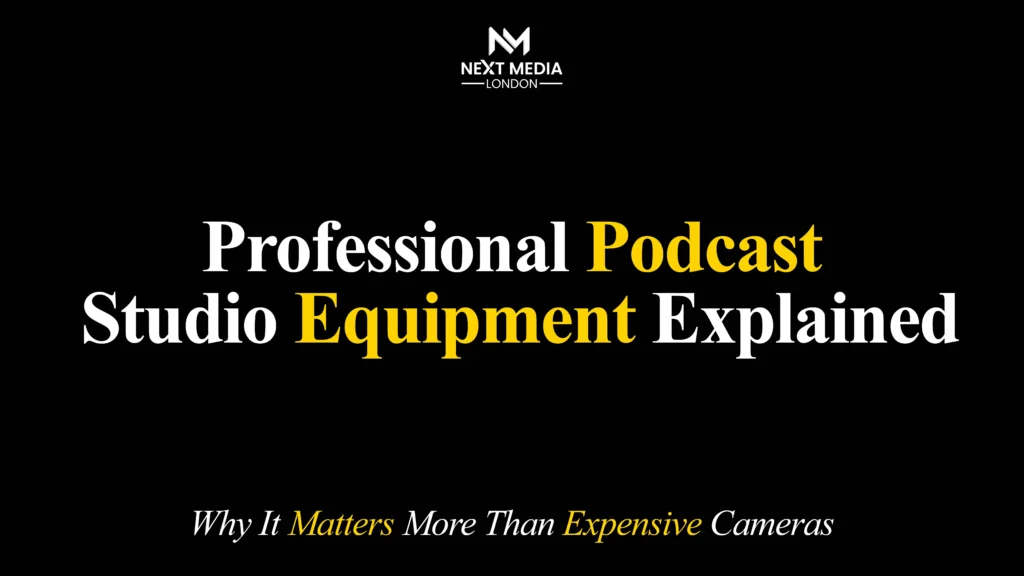
Professional podcast studio equipment matters more than an expensive camera because listeners judge a podcast by what they hear, not what they see. Clear audio, low background noise, and consistent levels keep audiences engaged, while a 4K camera can’t fix a hollow room, an unbalanced signal, or an unreliable microphone.
Ready to sound like a pro? Let’s explore the essential podcast equipment every creator should know, when you can confidently record from home, and when a professional podcast studio in London is the key to achieving broadcast-quality audio
Why Audio Quality Decides Whether a Podcast Succeeds
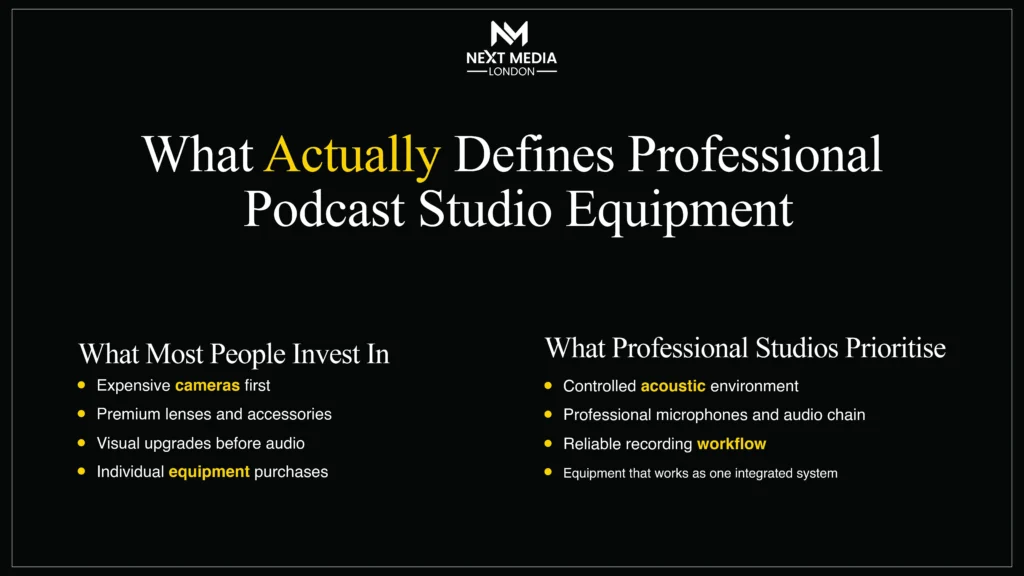
Poor audio is the single biggest reason listeners abandon an episode, regardless of content quality. Podcasting is audio-first; even “video podcasts” are largely consumed as audio-only on Spotify and Apple Podcasts during commutes and workouts.
A hollow room or inconsistent volume signals amateur production before a word is judged. Good audio compounds in value across every episode; a camera upgrade only improves visuals on platforms that show video at all. Video is growing, but it sits on top of audio, not instead of it.
The Complete Podcast Studio Equipment Guide: Core Components
A professional setup rests on five components: microphone, audio interface, monitoring headphones, acoustic treatment, and recording software. Skipping any one creates a weak link the others can’t fix.
Microphones: The Foundation of Professional Podcast Equipment
The microphone is the highest-impact purchase in this podcast studio equipment guide, since it captures the raw signal everything else depends on. No amount of editing fully repairs a poorly captured recording.
Dynamic vs Condenser Microphone for Podcasting
A dynamic microphone rejects background noise and suits untreated rooms; a condenser microphone is more sensitive and suits professionally treated studios. Most home podcasters get better results from a dynamic mic.
| Feature | Dynamic | Condenser |
| Sensitivity | Low, rejects room noise | High, picks up detail |
| Best for | Untreated rooms, multi-speaker shows | Treated studios, voiceover |
| Examples | Shure SM7B, Rode PodMic | Rode NT1, AT2020 |
| Power | Clean preamp/gain | Needs 48V phantom power |
XLR Microphone Podcasting Explained
An XLR microphone connects via a balanced cable to an interface or mixer, giving a cleaner, more adjustable signal than USB. Most professional podcast equipment switches to XLR once a show grows beyond a single host.
USB mics are fine for solo beginners. XLR adds gain control, lower noise, and lets you upgrade one part of the chain mic, interface, or cable without replacing everything.
Best Microphone for a Podcast Studio by Budget
- Entry (£70–£120): Rode PodMic USB or Samson Q2U for solo or two-host shows.
- Mid-tier (£300–£400): Shure SM7B with a Cloudlifter or high-gain interface for the classic broadcast sound.
- Studio tier (£400+): Electro-Voice RE20 or condensers in a treated room, routed through a dedicated mixer.
Audio Interfaces and Mixers
An interface converts a mic’s analogue signal to digital, supplies phantom power, and gives each speaker independent gain. For multi-guest shows, a mixer or multi-channel interface (Focusrite Scarlett, Rodecaster Pro) stops one loud voice drowning out a quieter one.
Podcast Headphones and Monitoring
Closed-back monitoring headphones let hosts hear exactly what’s being recorded, catching clipping, echo, or noise mid-session rather than in the edit. Wireless earbuds add latency and compression that hide these problems. Sony MDR-7506 and Audio-Technica ATH-M50x are industry-standard choices.
Acoustic Treatment and Room Setup
Acoustic treatment reduces echo so the mic captures a clean signal instead of a hollow, “boxy” sound, a problem editing cannot fix. Foam panels, rugs, and curtains all help; a smaller, softly furnished room usually beats a large bare one. Renters often use portable reflection filters or record inside a wardrobe full of clothing as a low-cost fix.
Recording and Editing Software, Including AI Tools
Modern software combines multitrack recording with AI-assisted editing, filler-word removal, level-matching, transcript-based edits, cutting post-production time. However, pacing and tone still benefit from a human editor. Descript and Adobe Podcast handle AI cleanup, Riverside.fm or Squadcast capture remote guests, and Auphonic automates mastering.
DIY vs Professional Podcast Studio Equipment: Which Is Right for You?
DIY suits solo or early-stage shows on a limited budget. Professional studios deliver faster, more consistent results. If you’re producing episodes regularly, hiring a professional podcast studio can save both time and equipment costs.
| Factor | DIY Setup | Professional Studio |
| Upfront cost | Lower, spread over time | Session-based, no gear to buy |
| Consistency | Depends on room and skill | Calibrated, engineer-managed |
| Multi-guest handling | Harder without a mixer | Built in |
| Time per episode | Longer, more trial and error | Faster, more predictable |
Neither is universally better; it depends on episode volume, guest count, and how much troubleshooting time you want. If you’re weighing the two up, it helps to talk through your specific format before buying anything. Booking a short consultation can save weeks of costly trial and error.
Key Benefits of Professional Podcast Studio Equipment
- Consistent broadcast-quality audio across every episode, regardless of who’s hosting
- Faster sessions, with fewer retakes since levels are set correctly from the start
- Reliable multi-guest and remote-guest handling through proper mixers and remote tools
- Less post-production work, because raw audio needs far less repair
- Access to treated rooms no amount of home furniture fully replicates
- Video podcast readiness, with cameras synced to studio-grade audio
- Higher credibility with sponsors, who increasingly expect broadcast standards
- Built-in redundancy, such as backup recordings, reducing the risk of losing a session
A fully equipped podcast studio with an experienced engineer ensures every recording starts with clean, consistent audio, reducing editing time later.
Common Mistakes to Avoid When Building a Podcast Studio
- Buying a camera before fixing audio video can’t compensate for poor sound
- Skipping acoustic treatment, even basic, in a bare, reflective room
- Using a laptop’s built-in microphone beyond a quick test
- Ignoring gain staging, causing clipping that can’t be undone later
- Choosing a condenser mic in an untreated room, picking up every echo
- Never testing headphone monitoring, so problems go unnoticed until the edit
- Skipping file backup, risking total loss of a recorded session
- Not budgeting time for post-production, even when recording goes well
Many new podcasters spend more fixing bad audio in editing than a properly treated session would have cost outright. If your recordings still aren’t release-ready, it’s often faster to request a quote for a single professional session than to keep troubleshooting the gear.
How Much Does Professional Podcast Studio Equipment Cost in the UK?
Costs vary by whether you’re buying home gear, hiring a studio hourly, or commissioning full production. Figures below are approximate UK ranges and will vary by provider and location.
| Option | Approx. UK Price |
| Starter home setup | £150–£400 |
| Mid-tier home studio | £600–£1,500 |
| Small multi-person studio | £2,000–£6,000 |
| Studio hire, per hour (London) | £60–£150 |
| Full production package, per episode | £300–£1,200 |
Pricing depends mainly on recording duration, editing complexity, speaker count, whether guests join remotely, and how much post-production mixing, mastering, show notes, and social clips are included. It’s worth requesting a personalised quote before budgeting a full season. Rather than investing thousands in equipment, many creators choose our Podcast Studio Hire in London, where professional equipment, engineer support, and a fully treated studio are included in one hourly rate.
Podcast Studio Setup: London Studios vs Affordable UK Options
A professional podcast studio setup in London typically includes a treated room, multiple XLR mics on a shared mixer, multi-camera capability, and an in-house engineer managing levels, letting hosts focus on the conversation, not the technical side. Demand has grown alongside video podcasting on YouTube and Spotify, and many London studios now support hybrid sessions with remote guests joining via Riverside or Squadcast.
For a more affordable podcast studio in the UK, hourly hire suits infrequent recorders, while a budget home build one dynamic mic, a basic interface, and soft furnishings for treatment is more cost-effective for frequent shows. Co-working spaces in several UK cities now offer small podcast rooms as part of membership packages too.
When to Upgrade: A Decision Framework
It’s usually time to move from DIY to professional help once recording becomes a bottleneck:
- You spend more time editing and fixing audio than recording.
- Guest audio quality varies wildly episode to episode.
- You’re pitching sponsors who expect broadcast-standard production.
- You want video without learning multi-camera and lighting from scratch.
If two or more apply, a professional team is usually more efficient than patching a DIY setup further. A discovery call is a low-pressure way to see what a studio session would look like for your show.
Podcast Industry Trends Shaping Studio Equipment in 2026
Production in 2026 is shaped by AI-assisted editing. Even with AI tools, many creators still rely on professional podcast editing services for noise reduction, mixing, mastering, and broadcast-ready audio quality. The continued rise of video-first podcasts on YouTube and Spotify, hybrid remote-and-studio recording, and rising audience expectations for broadcast-quality audio even from independent shows. AI now handles transcript-based edits and noise reduction well, cutting post time without replacing editorial judgement, while remote tools capture near-studio audio from guests on consumer gear at home
Conclusion
Professional podcast equipment is an investment in your audience’s listening experience. While cameras can enhance a show’s visual appeal, clear, consistent audio is what keeps listeners engaged and coming back. Whether you choose a DIY setup or a professional podcast studio, focus on building a reliable audio chain that matches your goals and budget. If you’re looking for broadcast-quality results without the trial and error, a professional podcast studio in London can provide the equipment, expertise, and recording environment needed to produce polished episodes with confidence. Most podcasts fail because of poor audio, not poor video. Learn which professional podcast studio equipment you really need, compare DIY vs studio setups, and create broadcast-quality episodes with confidence.