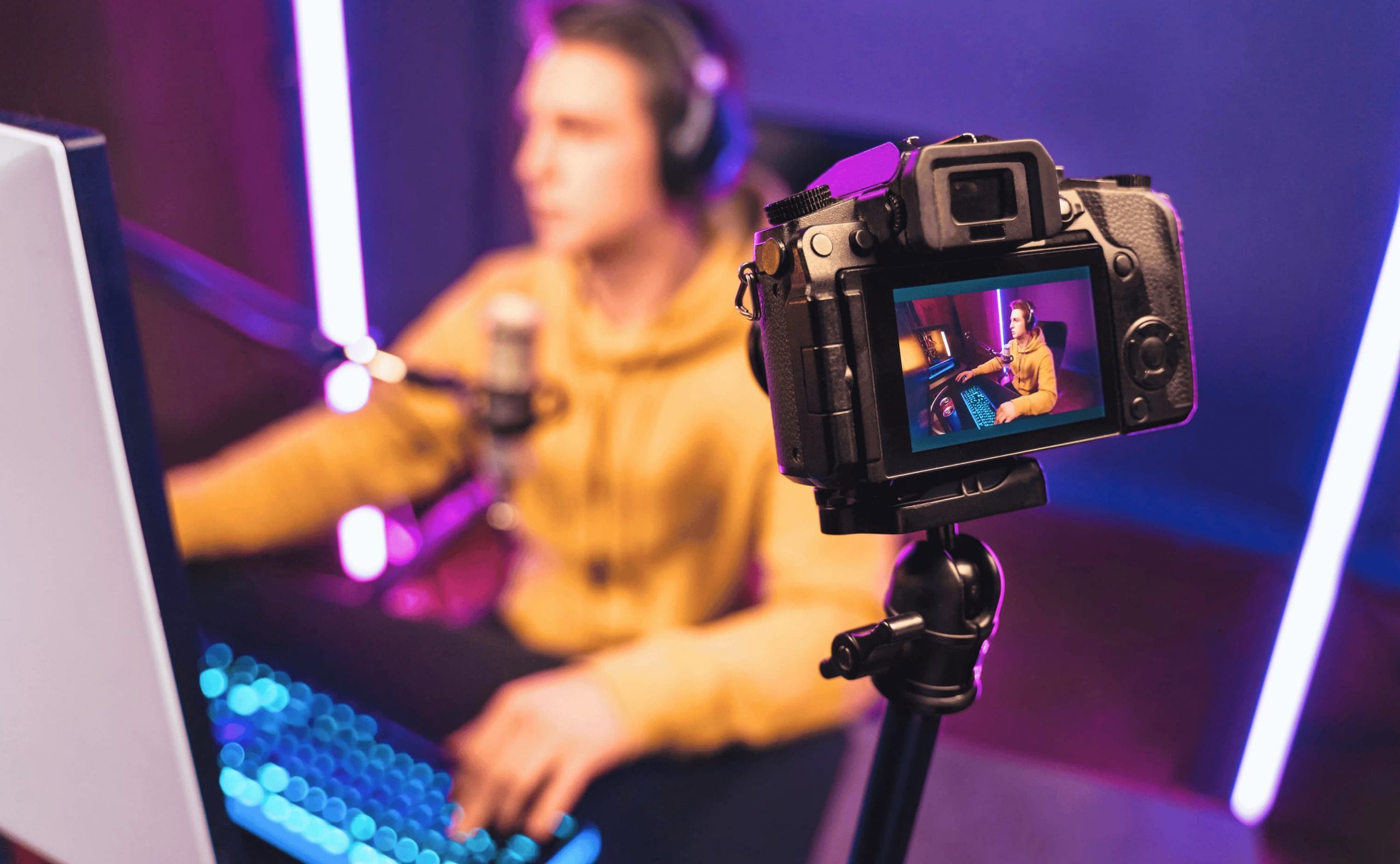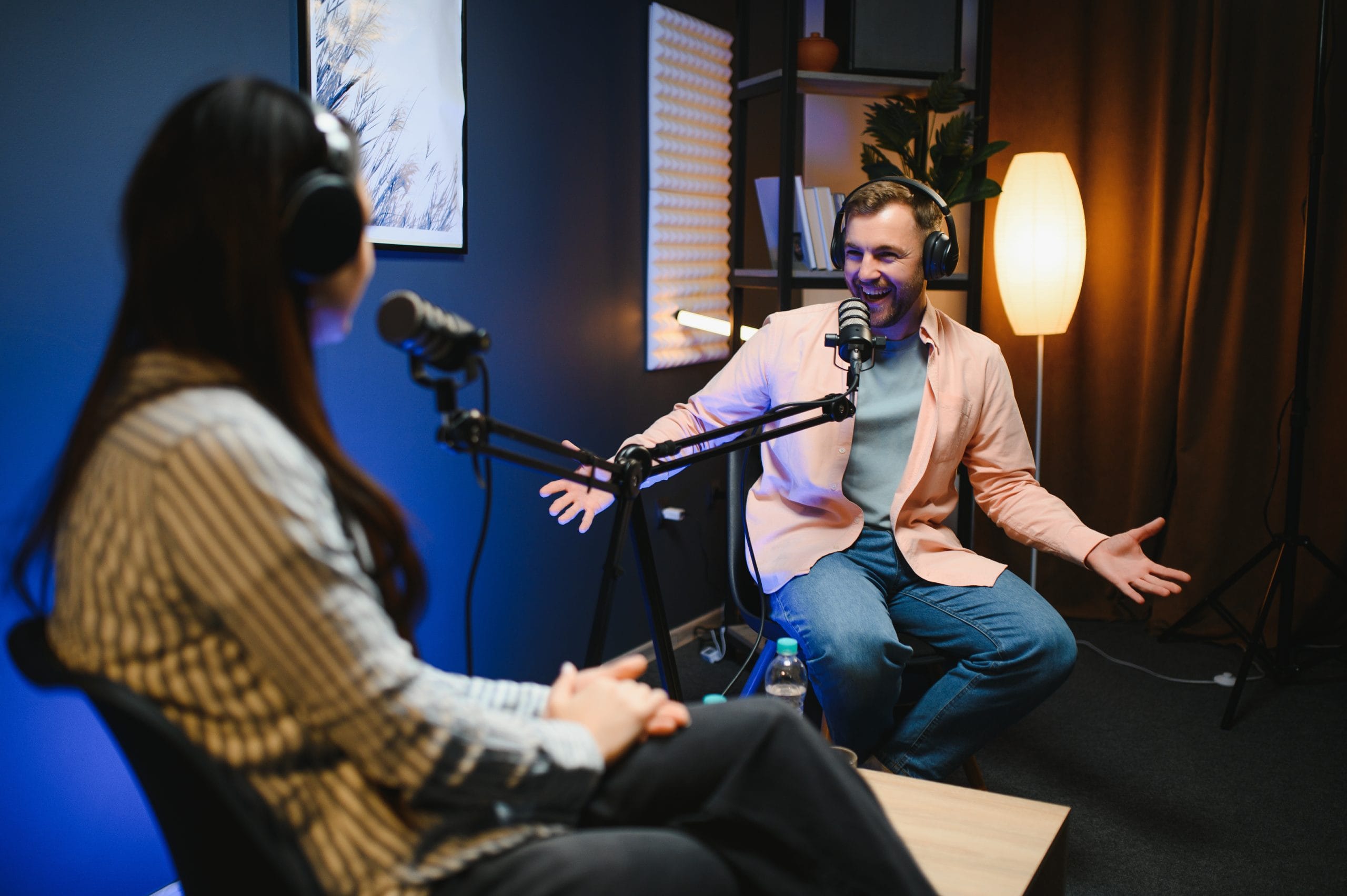
A podcast can have an interesting guest, thoughtful questions, and valuable insights, yet still be difficult to watch. Sometimes, the problem is not what people are saying. It is how the conversation is being captured.
At NextMedia London, we look beyond simply pointing a camera at someone speaking. We consider what viewers see when a founder explains an idea, how a guest’s reaction adds context, and whether the camera work makes a conversation feel natural.
When we plan a video podcast, every camera has a purpose. One perspective might capture a guest explaining an important business decision, while another shows the host listening or reacting. A wider view brings both participants into the same frame.
These decisions influence how viewers experience the conversation and how much flexibility we have during editing.
In this guide, we share how we approach podcast camera angles, camera positioning, and multi-camera recording at our London studio, including practical examples from our own recording environment.
What Are Podcast Camera Angles?
Podcast camera angles describe the different perspectives from which we record a podcast. They determine how viewers see the host, guest, and recording environment.
It is also useful to understand the difference between a camera angle and a camera shot.
A camera angle describes the camera’s perspective, such as front-facing, side-angle, eye-level or high-angle. A camera shot describes how much of the subject appears in the frame, such as a close-up, medium shot or wide shot.
For example, we can capture a guest using a front-facing close-up or a side-angle close-up. Both show the same person, but the viewer experiences the conversation differently.
When planning a recording, we consider several perspectives:
- Front-facing shots: For a direct connection with the audience.
- Side-angle shots: For natural interview interactions.
- Host close-ups: For individual host coverage.
- Guest close-ups: For focusing on the person sharing their knowledge.
- Wide shots: For showing the complete conversation.
- Over-the-shoulder shots: For an additional interview perspective.
The right combination depends on the podcast format and the story we want the video to communicate.
How We Use Different Camera Angles During Podcast Recording
We do not approach every podcast recording in exactly the same way. A founder recording a solo episode needs a different visual setup from two business owners discussing their experiences.
Solo Podcast: Keeping the Speaker in Focus
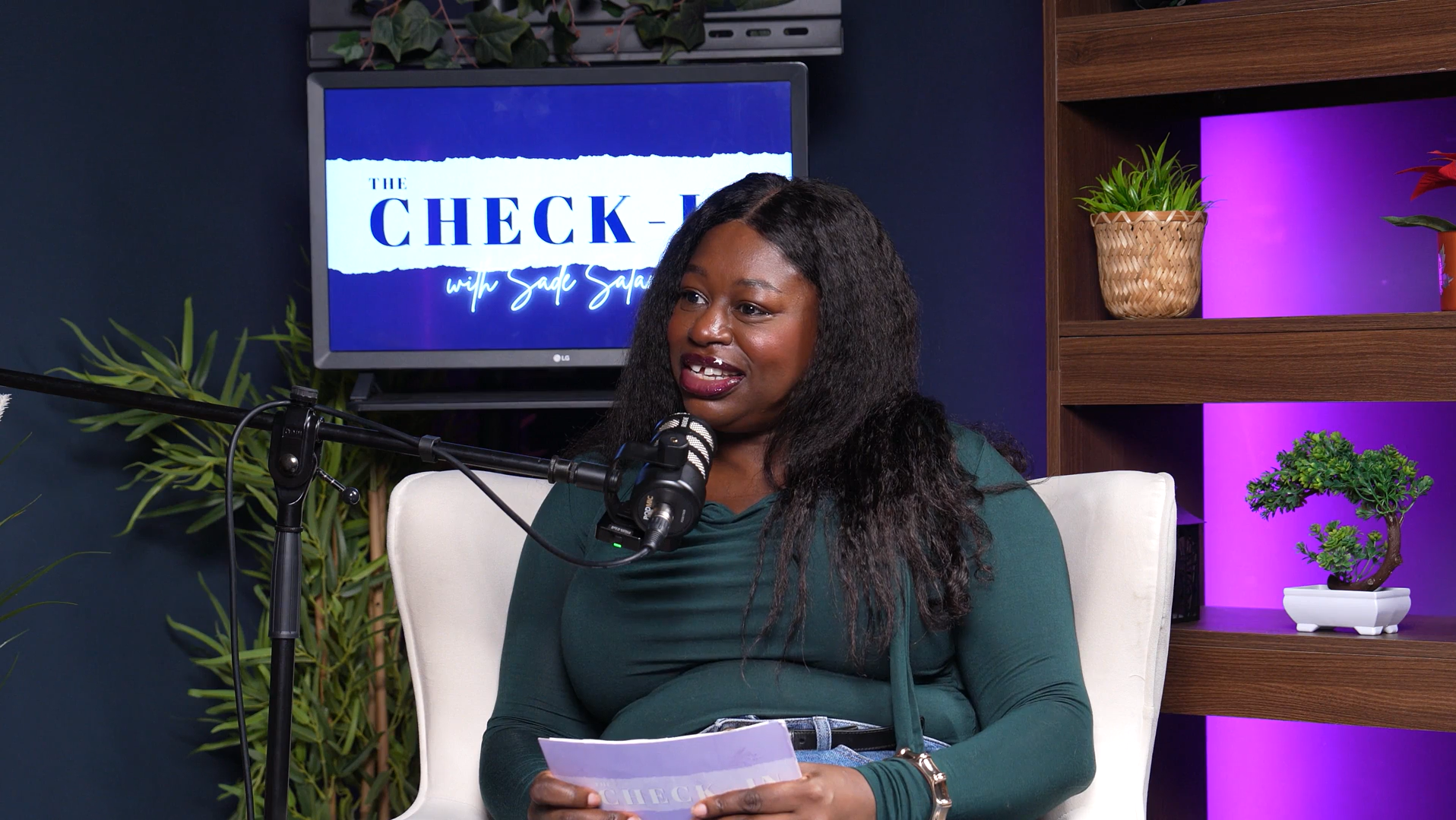
A solo podcast features one person speaking directly to the audience. It is a popular format for founders, business leaders, coaches and experts who want to share their knowledge.
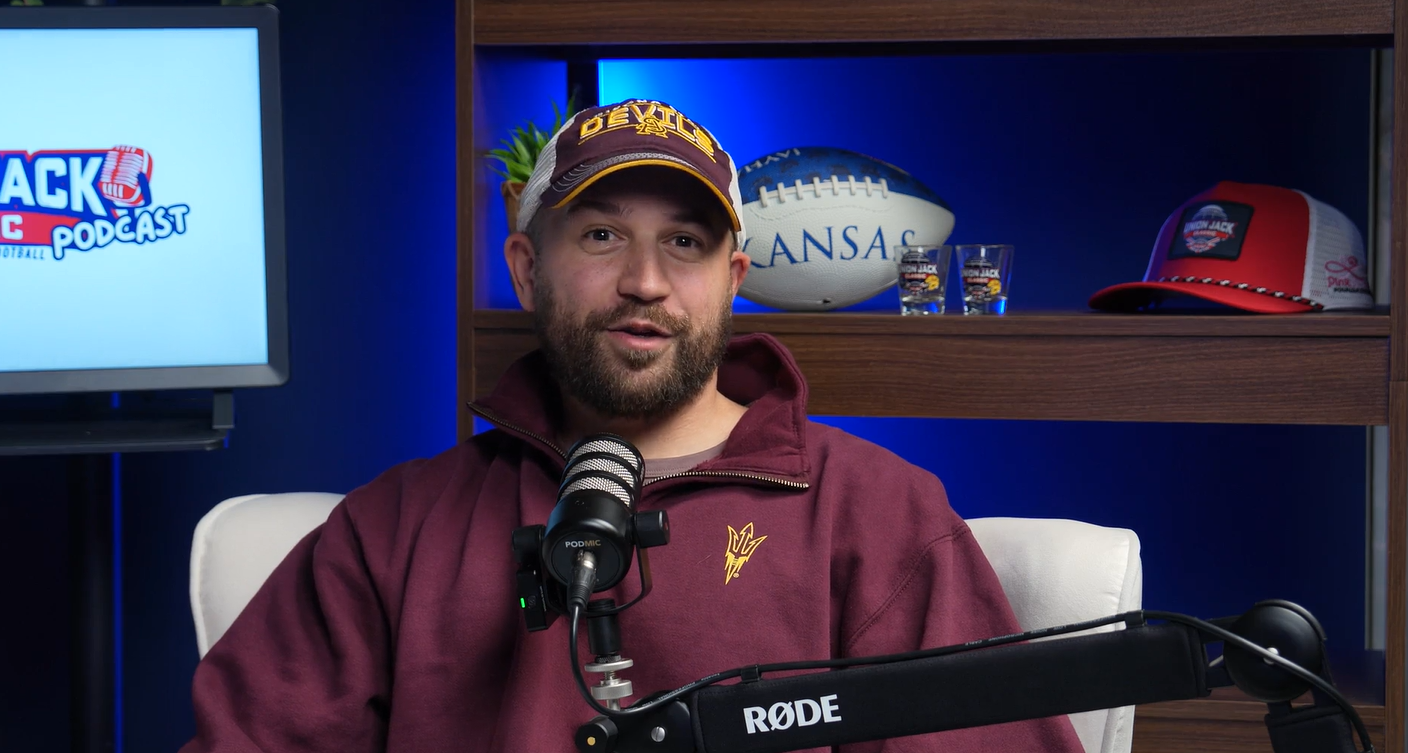
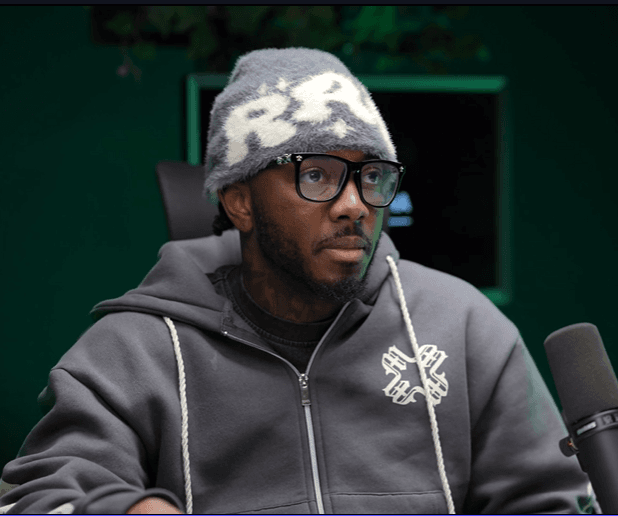
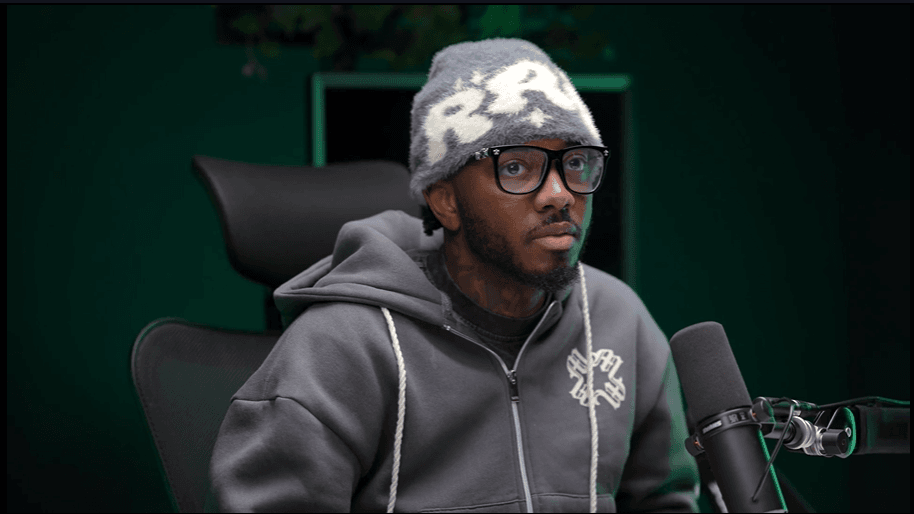
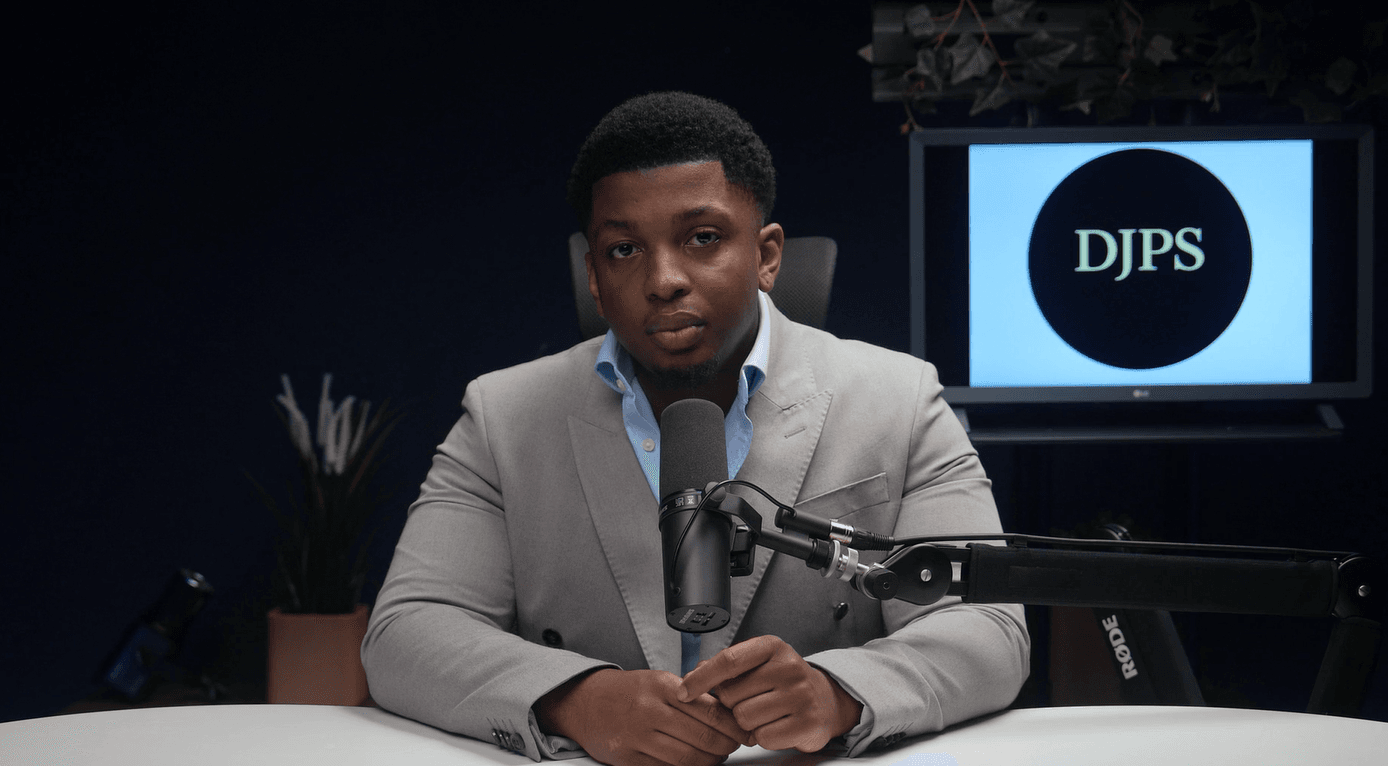
For this format, we want the speaker to remain the main focus. A front-facing medium close-up is a useful starting point because it captures the speaker’s face, shoulders and natural hand gestures without including too much unnecessary background.
We also consider the microphone position. It should be close enough to capture the speaker’s voice clearly without unnecessarily obstructing their face.
Camera distance matters too. A camera positioned too far away can make facial expressions less noticeable, while one positioned too close can make the composition feel cramped.
For solo recordings, a single carefully framed camera can be sufficient. We can also consider a wider recording frame when the footage may need additional cropping during editing.
Our aim is to create a balanced composition that allows the speaker’s personality and message to remain the focus.
Host and Guest Close-Up Shots
Business interviews involve more than one person speaking. There are questions, answers, pauses, reactions and moments of agreement. This is why we consider individual host and guest coverage when planning interview recordings.
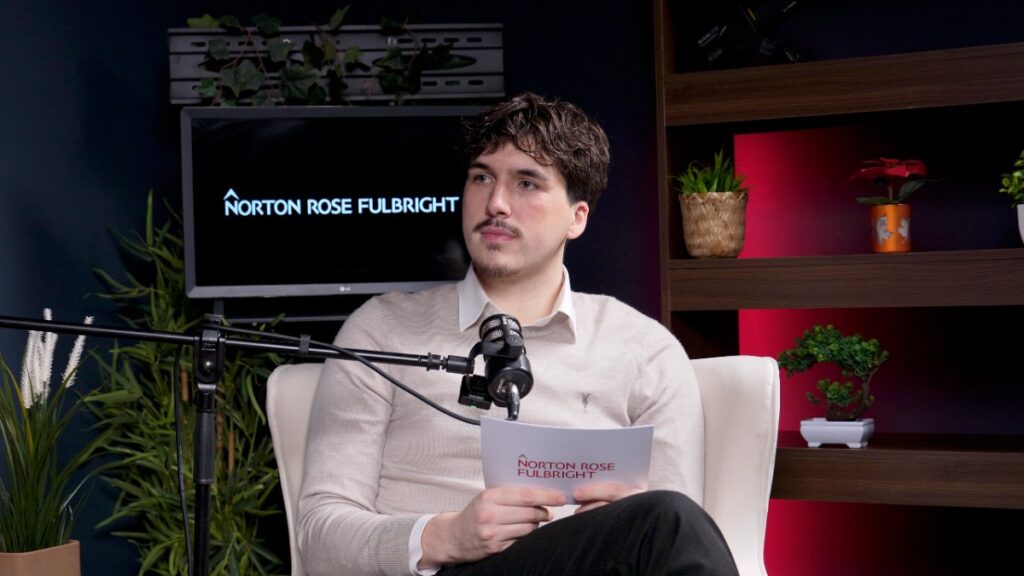
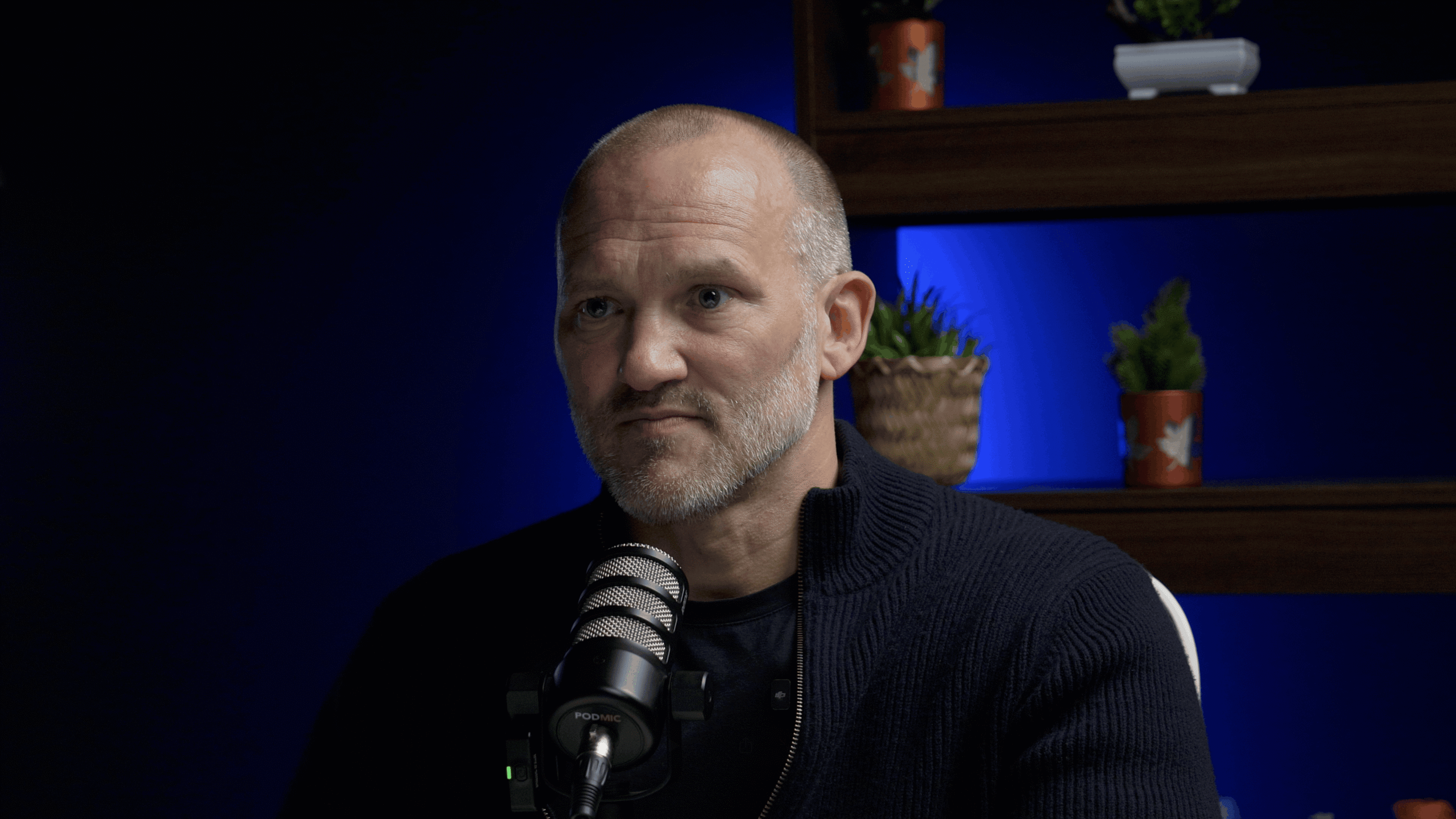
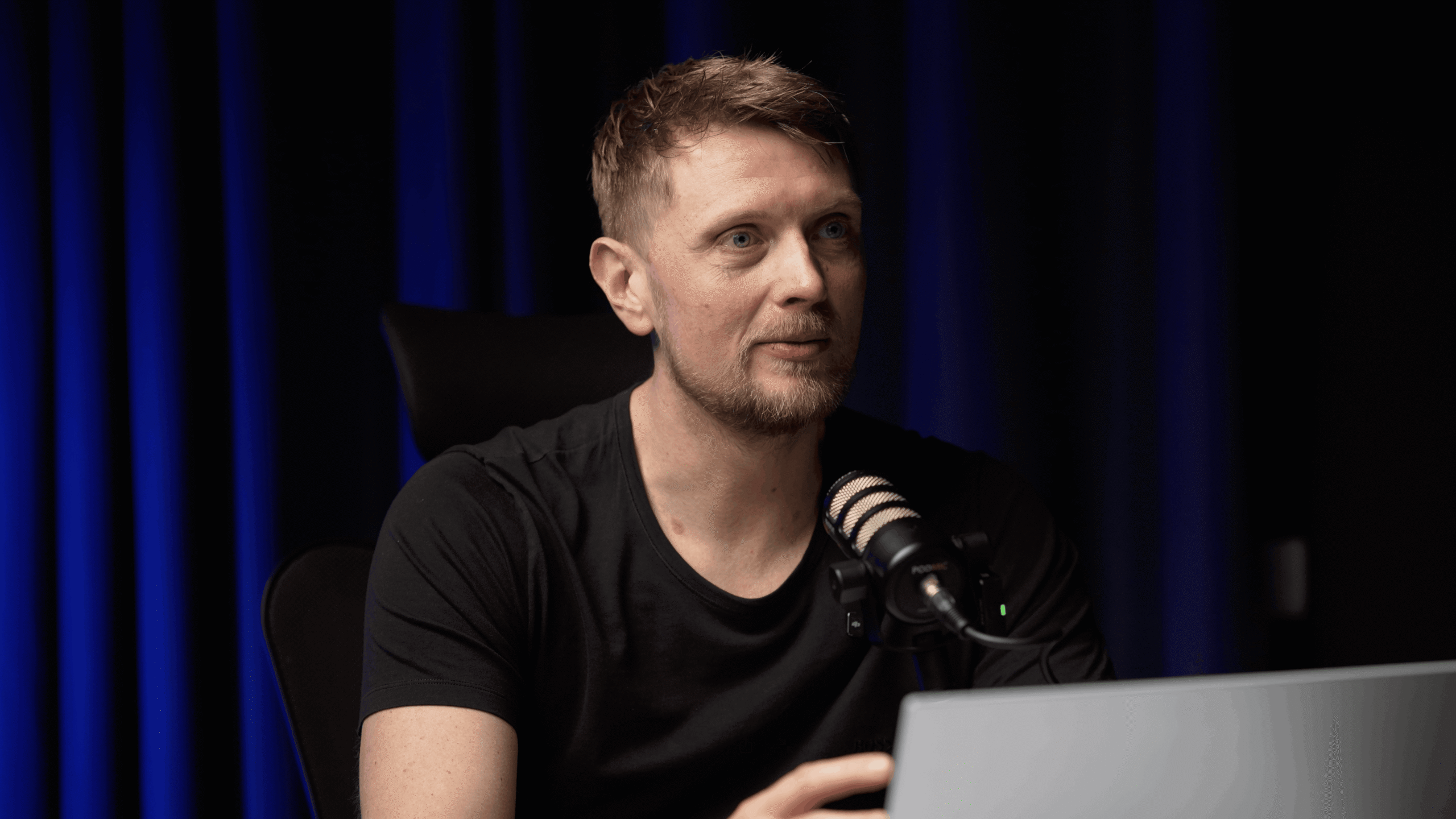
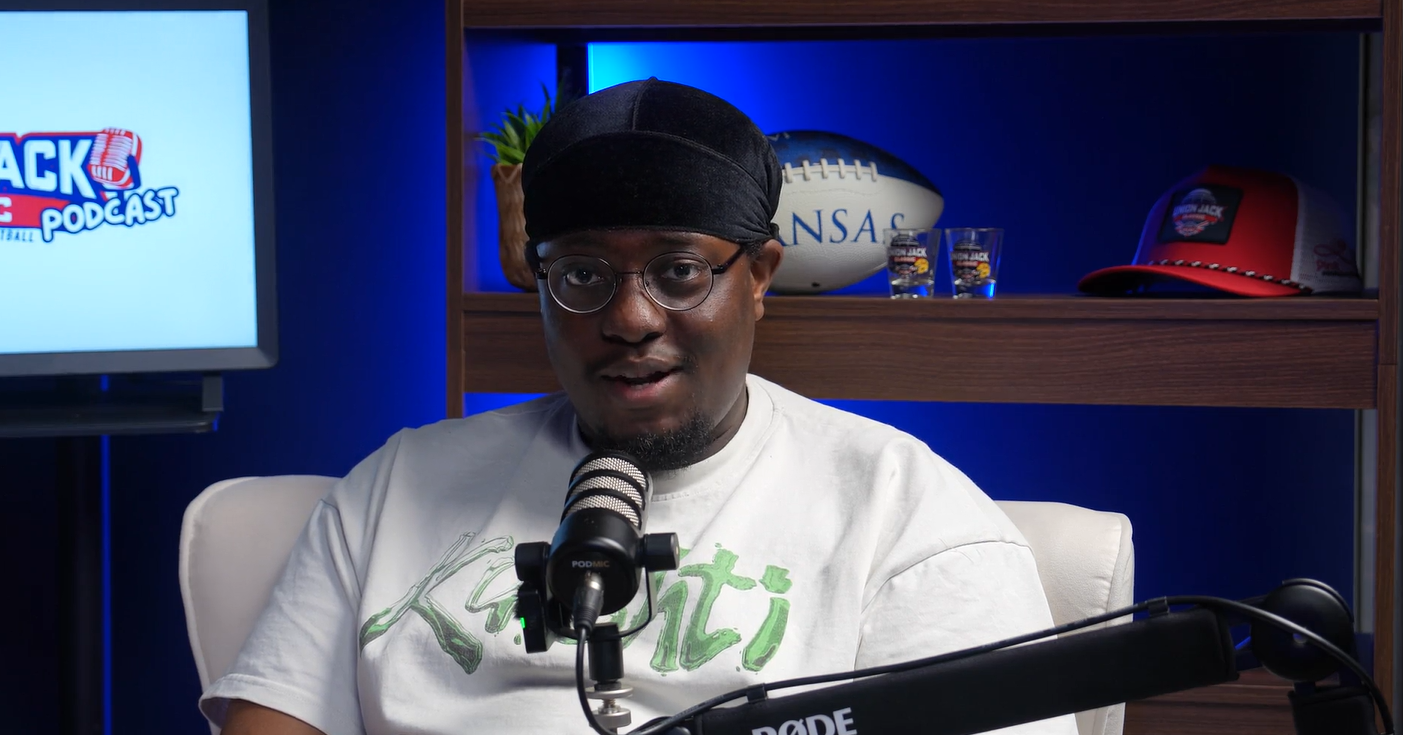
A host close-up captures the person guiding the discussion. It shows their expressions when asking questions, listening carefully or reacting to an unexpected answer.
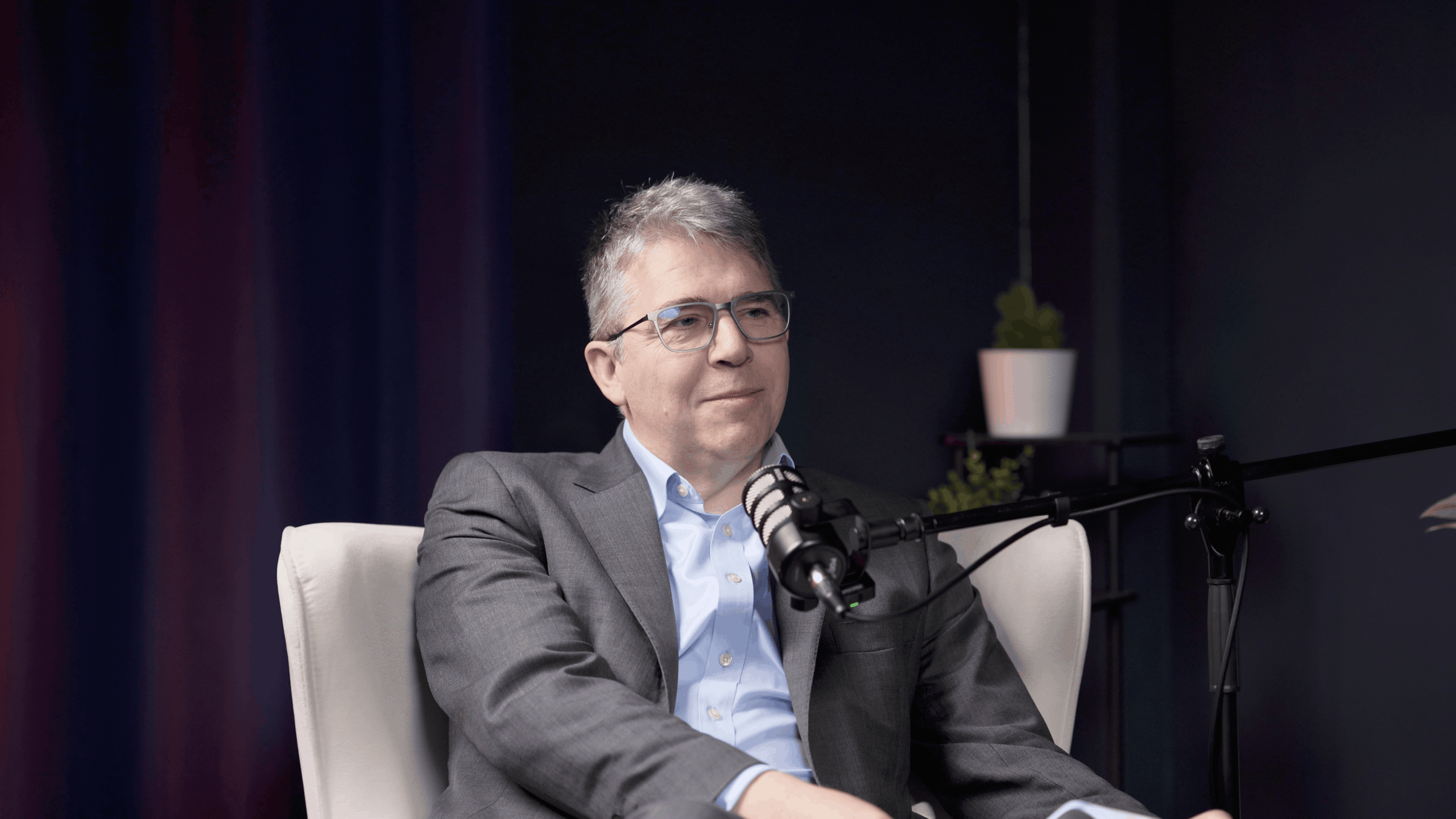
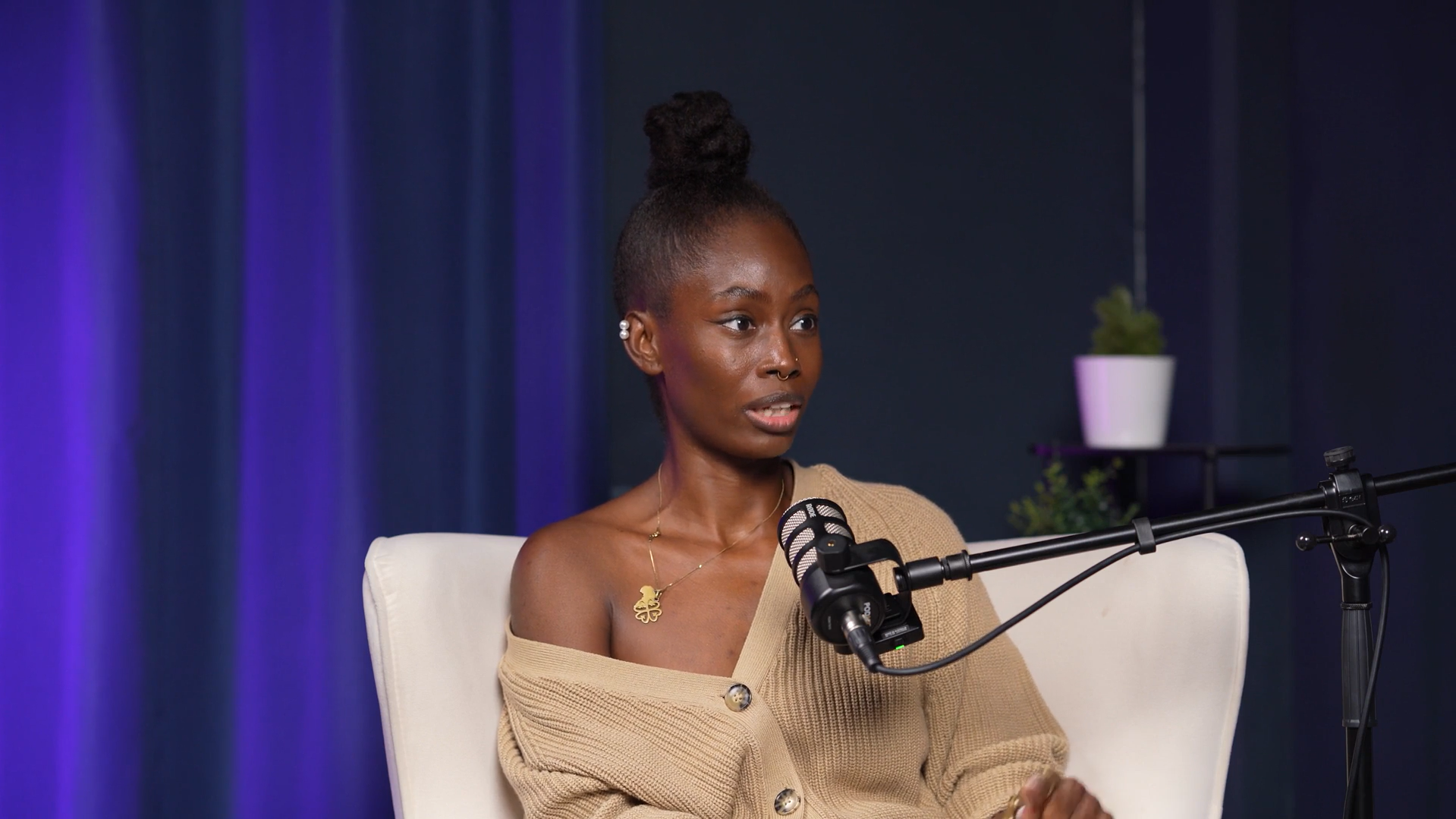
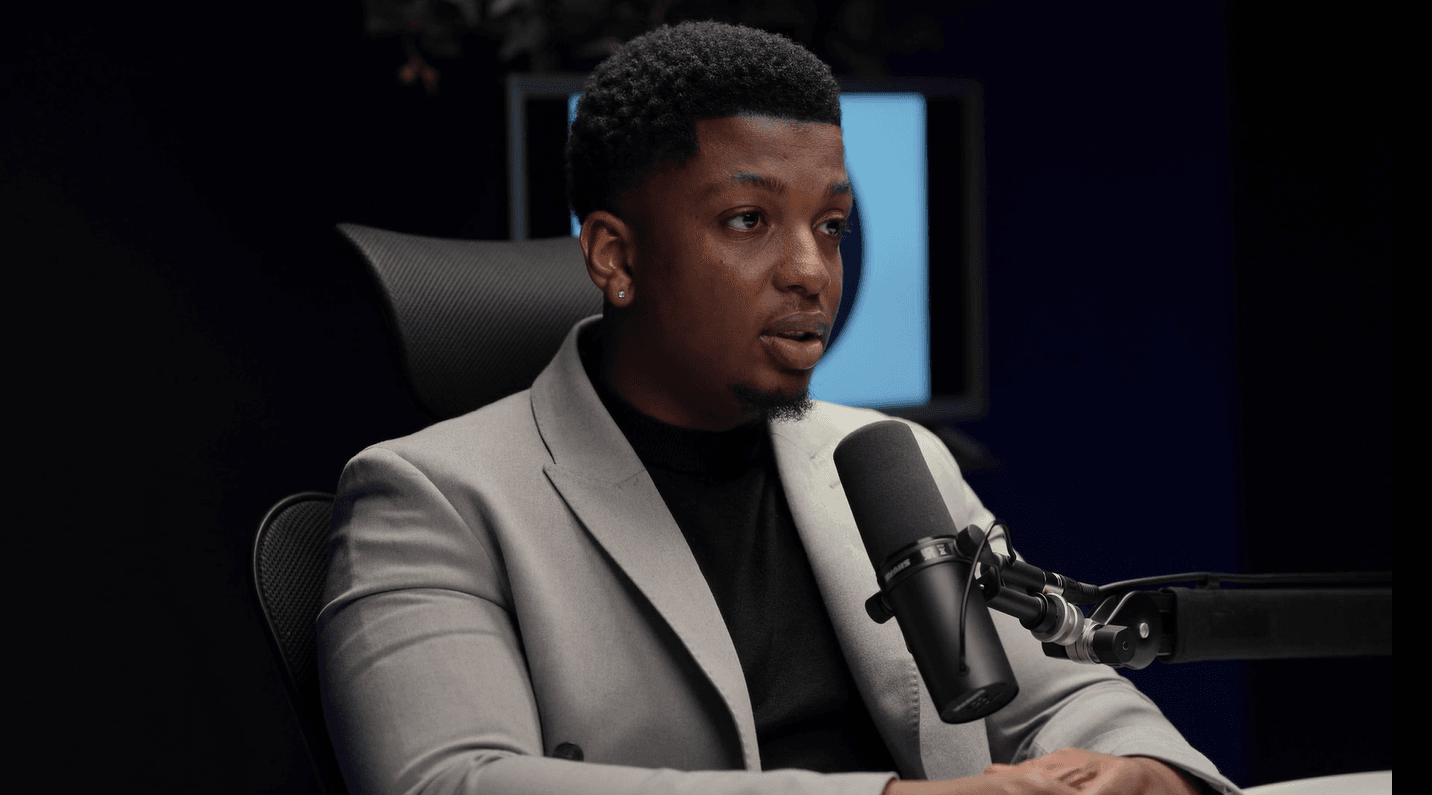
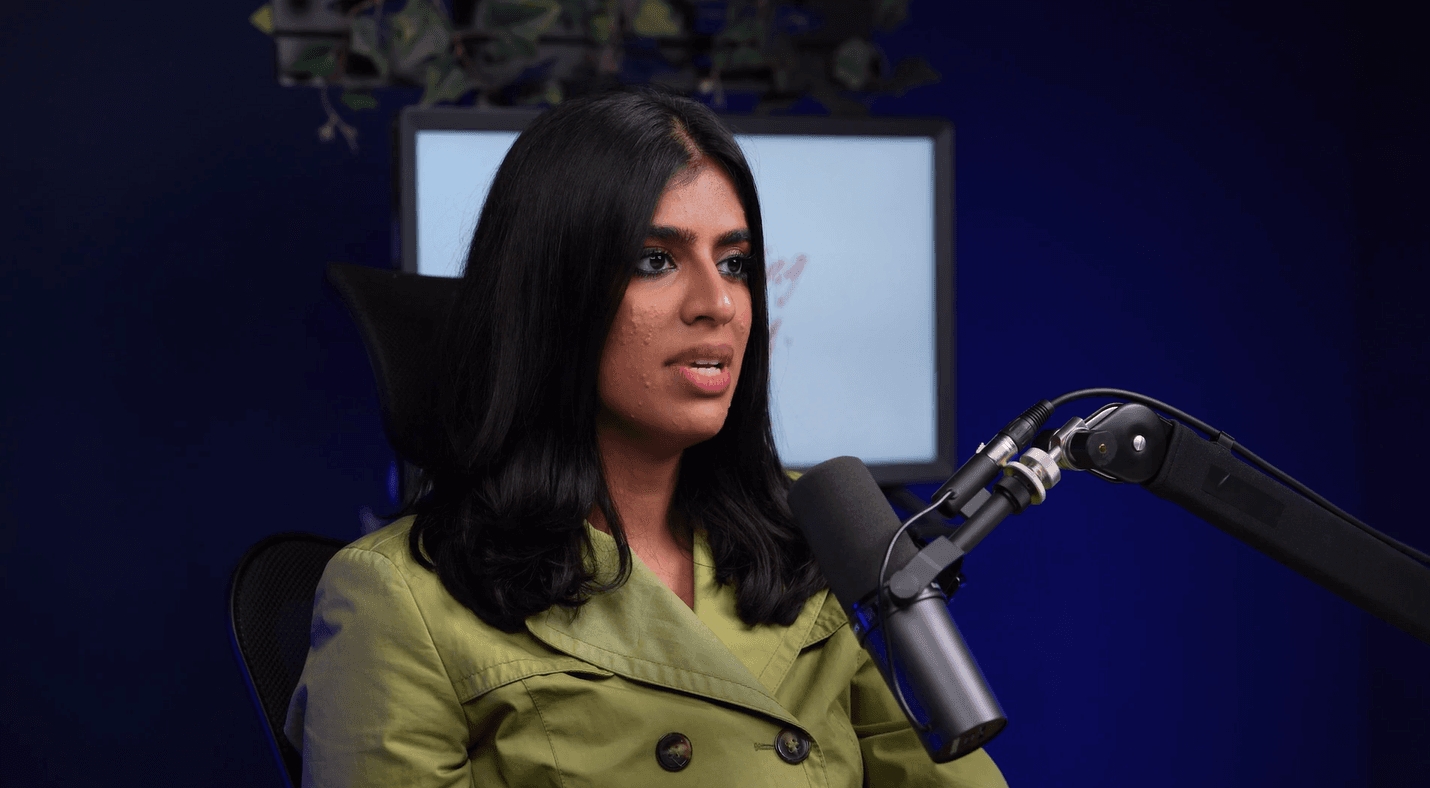
A guest close-up focuses on the person sharing their experience, knowledge, or business story. It helps viewers connect with their expressions, eye contact and natural gestures.
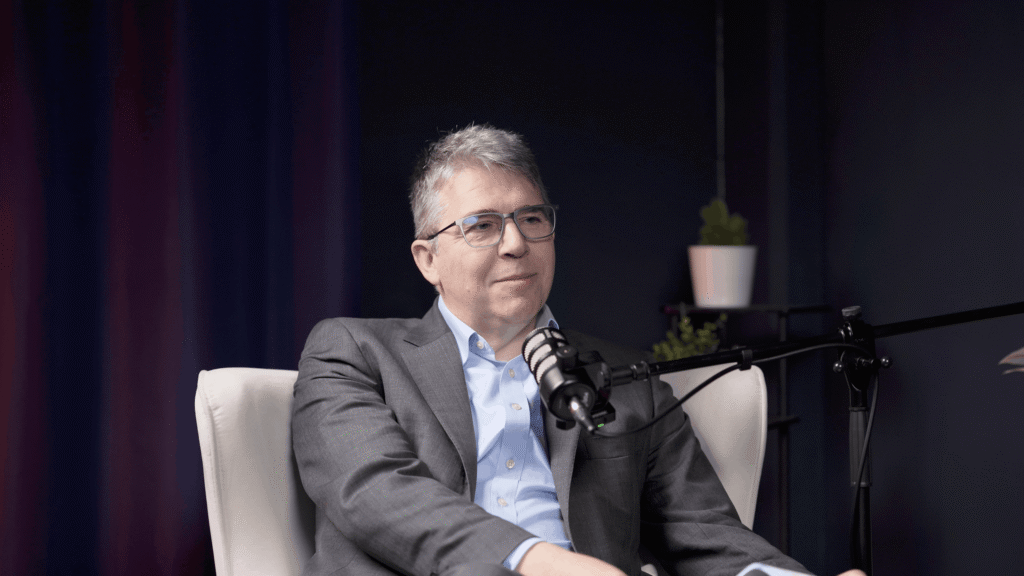
We find these shots particularly useful during founder interviews because the audience is not only listening to information. They are also following the interaction between two people.
For example, when a guest explains how they built a business, their close-up keeps attention on the person delivering the story. The host’s reaction can provide another useful perspective.
The key is to choose the shot that supports the moment, not to switch cameras just to create movement.
Close-Up Side and Front Camera Shots
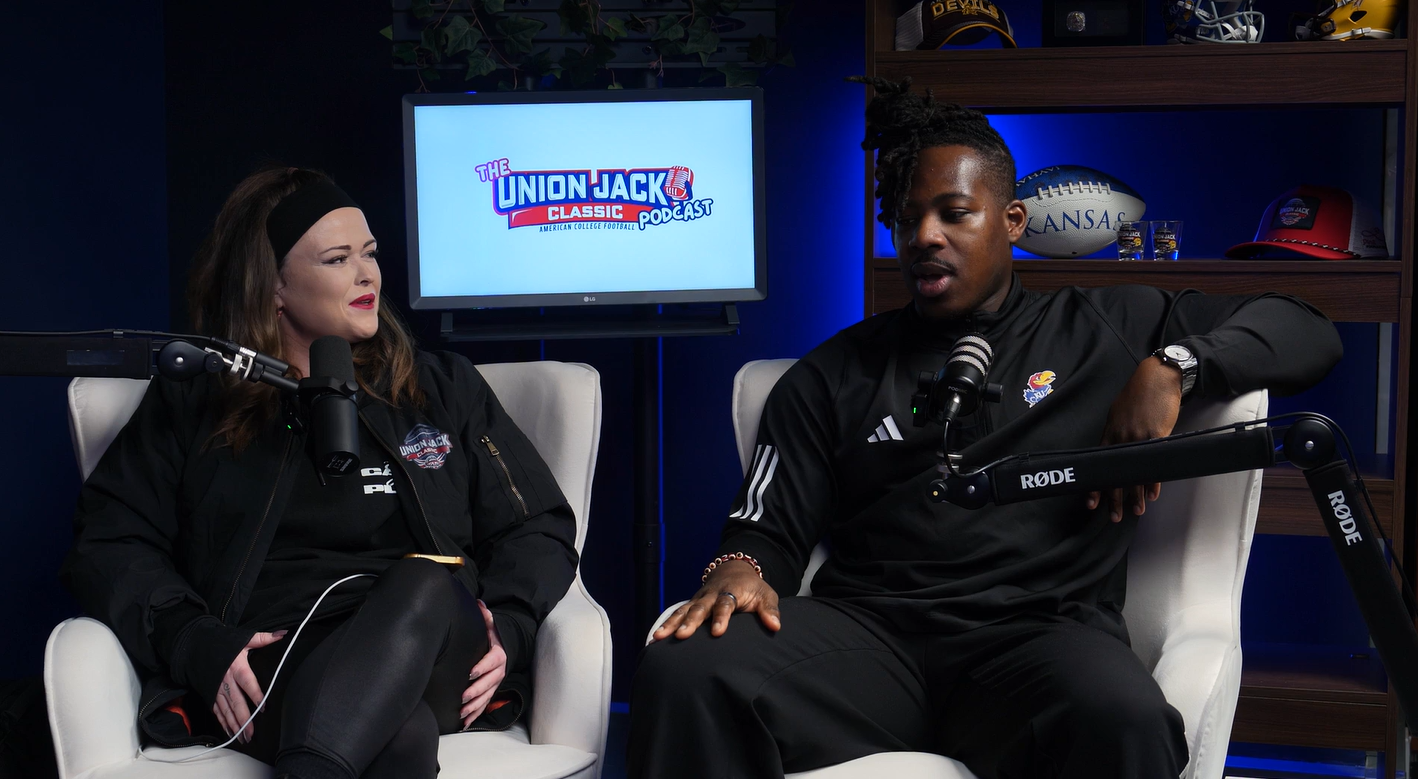
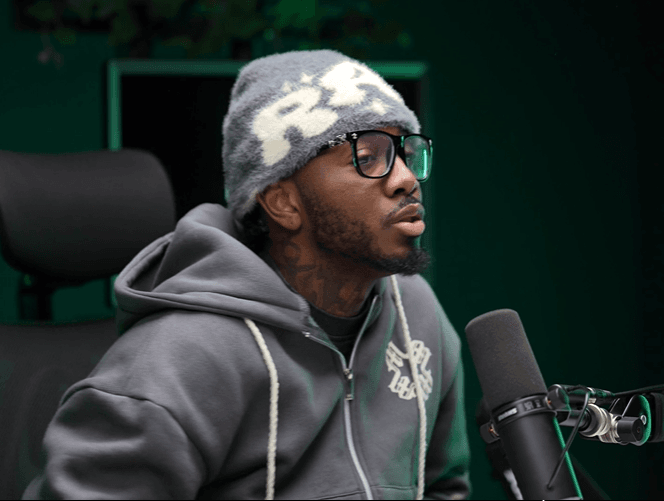
A close-up side shot captures a speaker from a side or three-quarter perspective, while a front-facing close-up shows the speaker from a more direct angle.
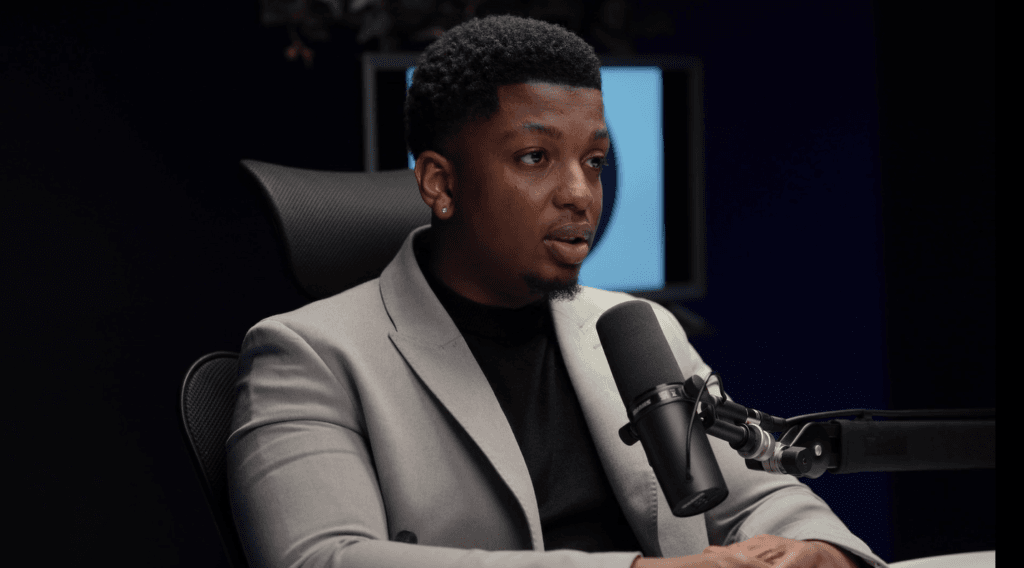
We use these perspectives to create visual variety without taking attention away from the conversation.
A side-angle view is useful when someone is speaking directly to another participant. A front-facing shot works well when we want viewers to focus on the speaker’s expressions and message.
Having both perspectives available gives an editor more choices when putting together the final video.
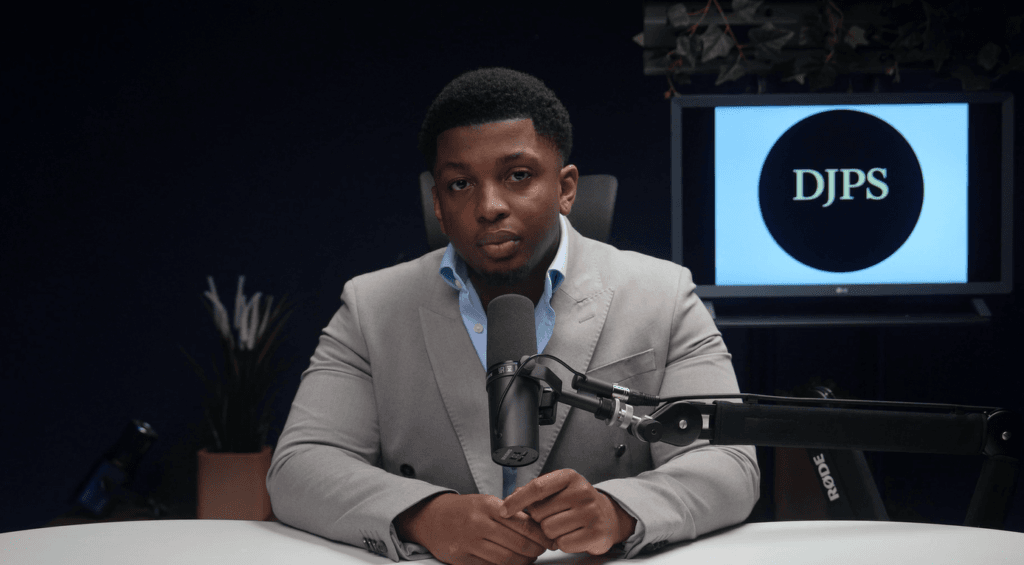
Wide Shots: Showing the Complete Conversation
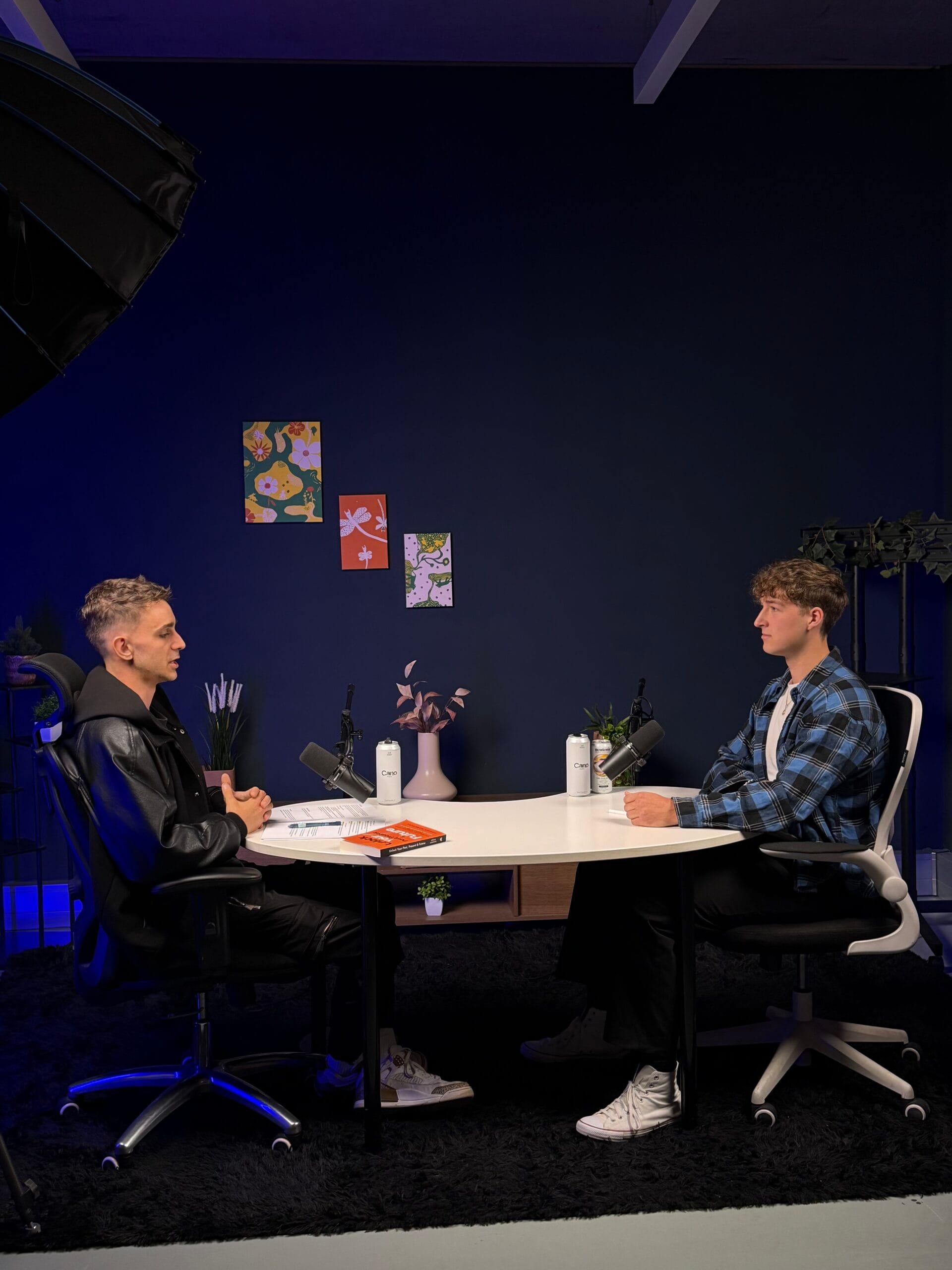
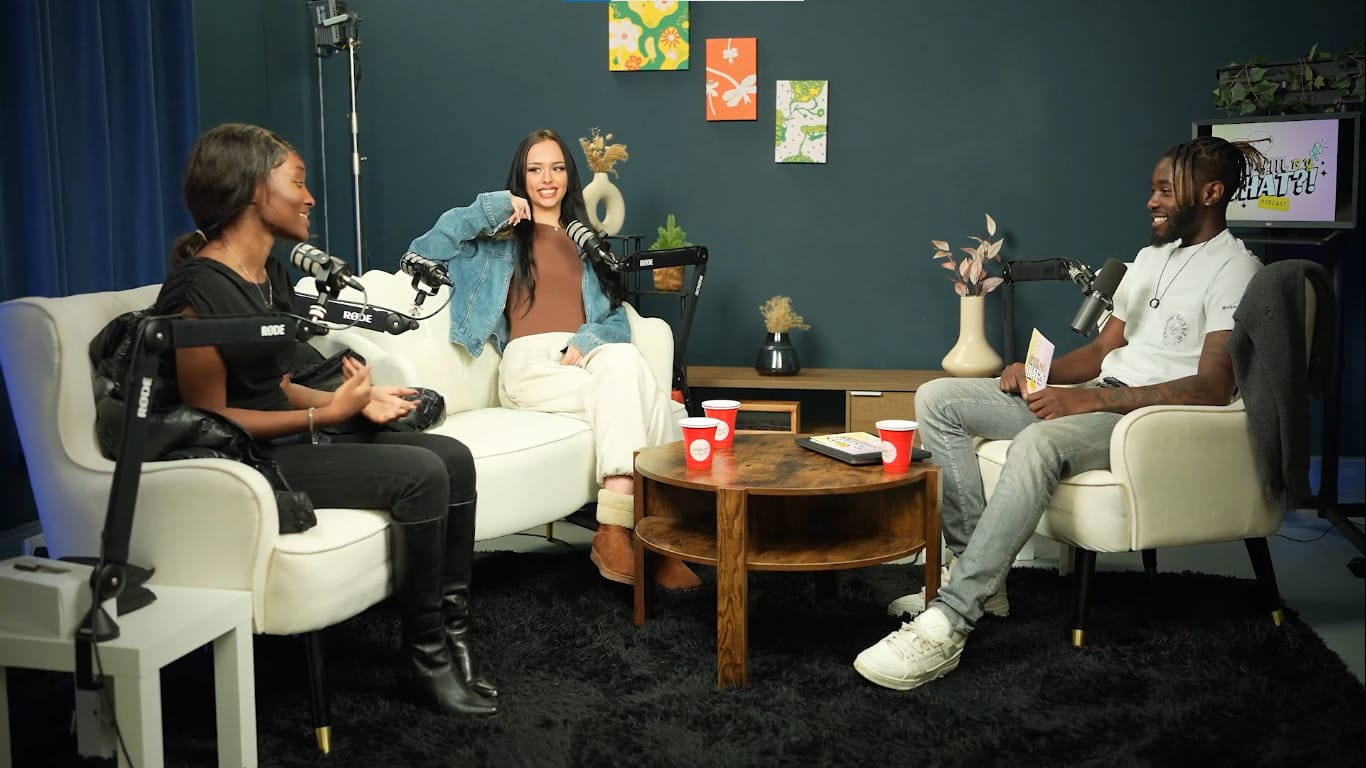
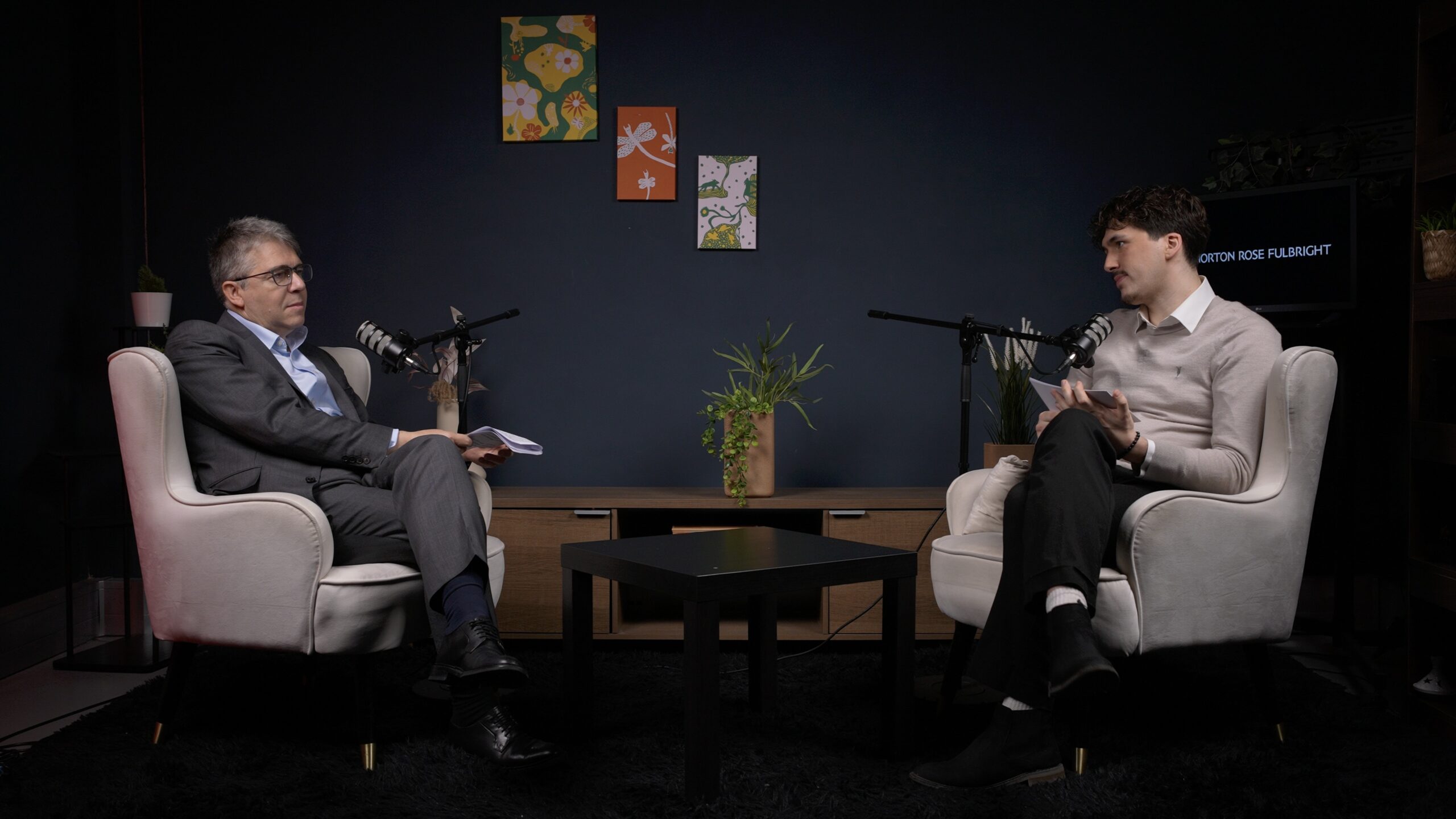
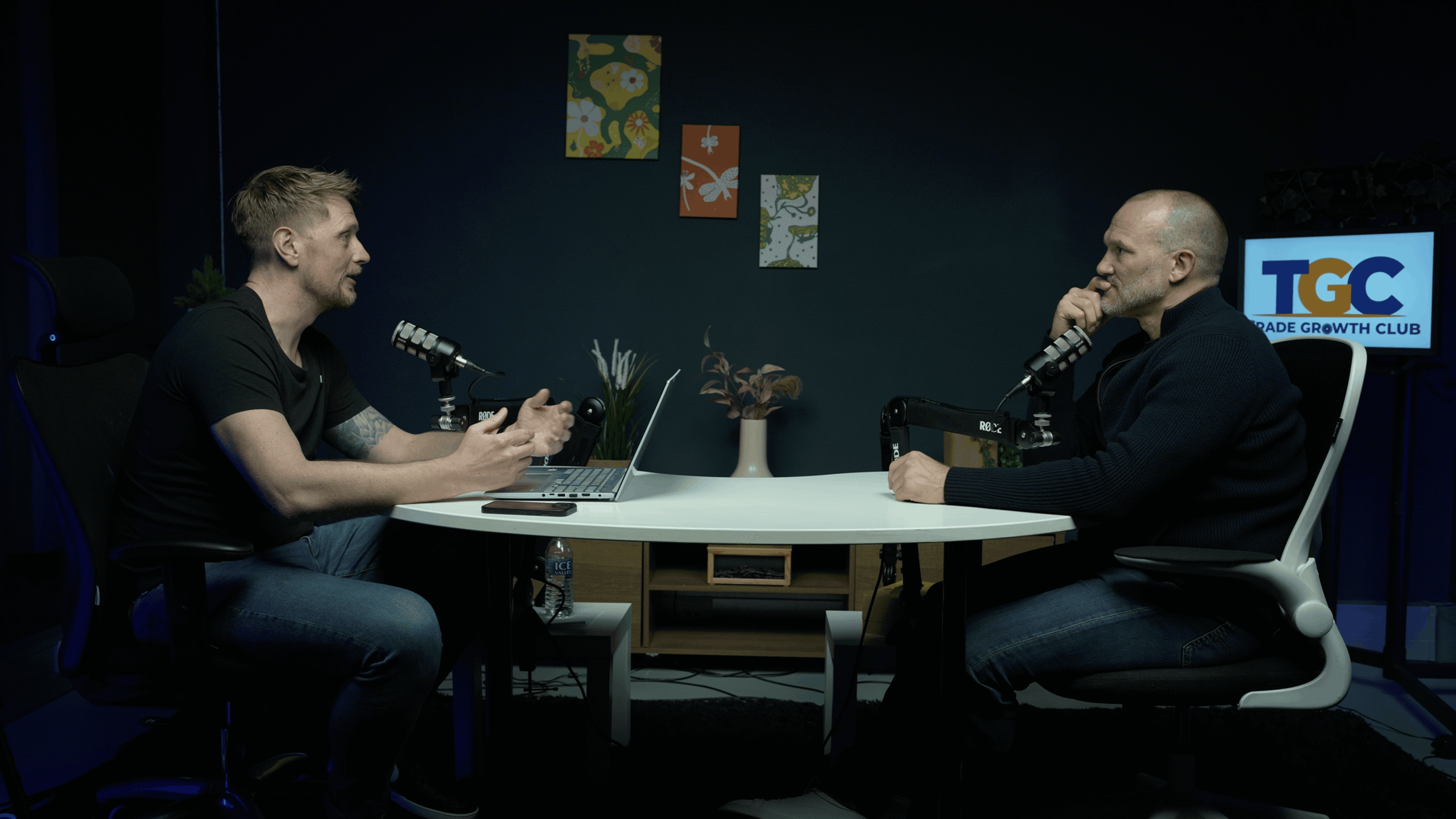
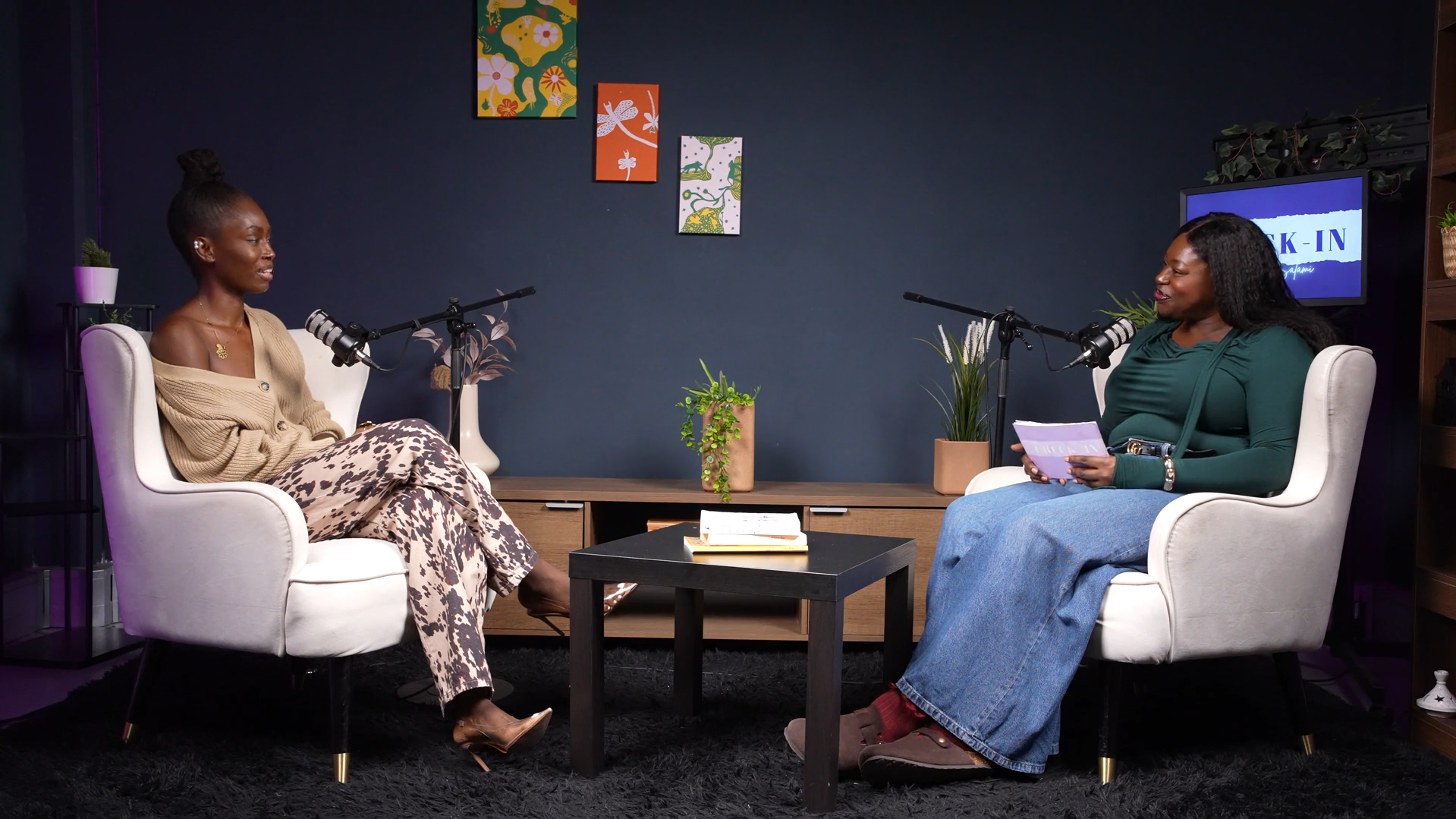
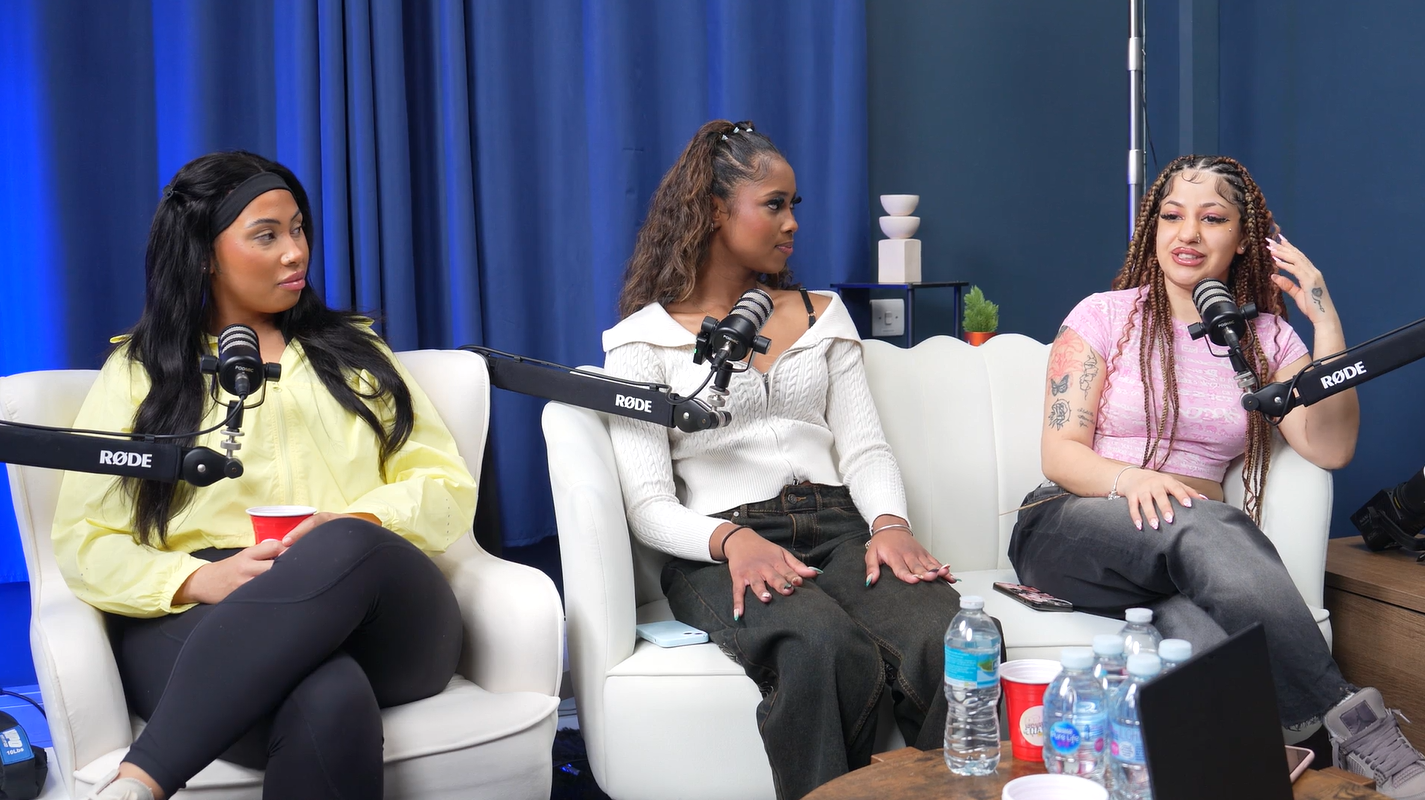
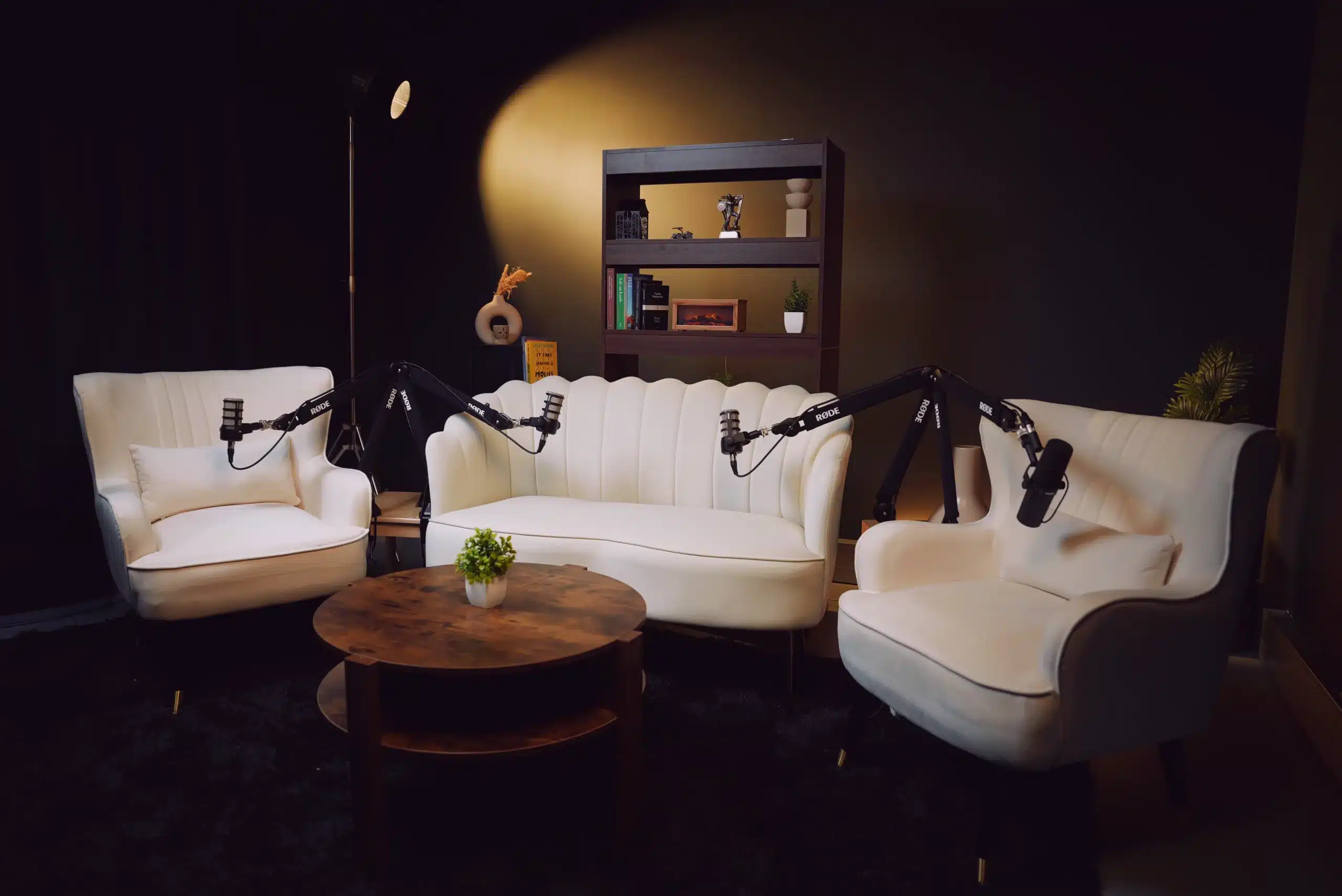
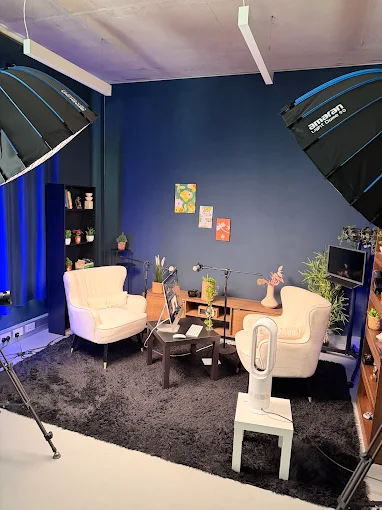
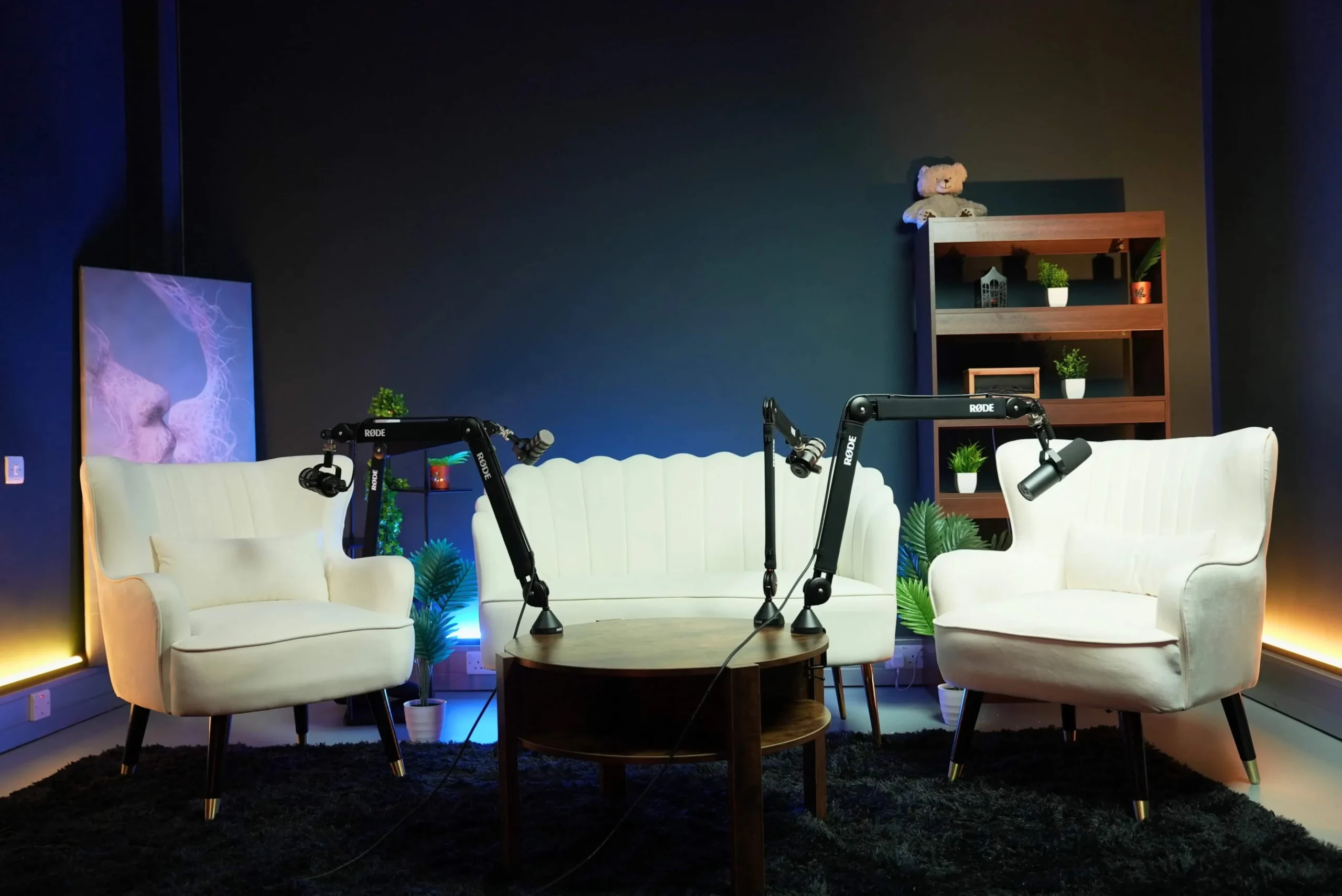
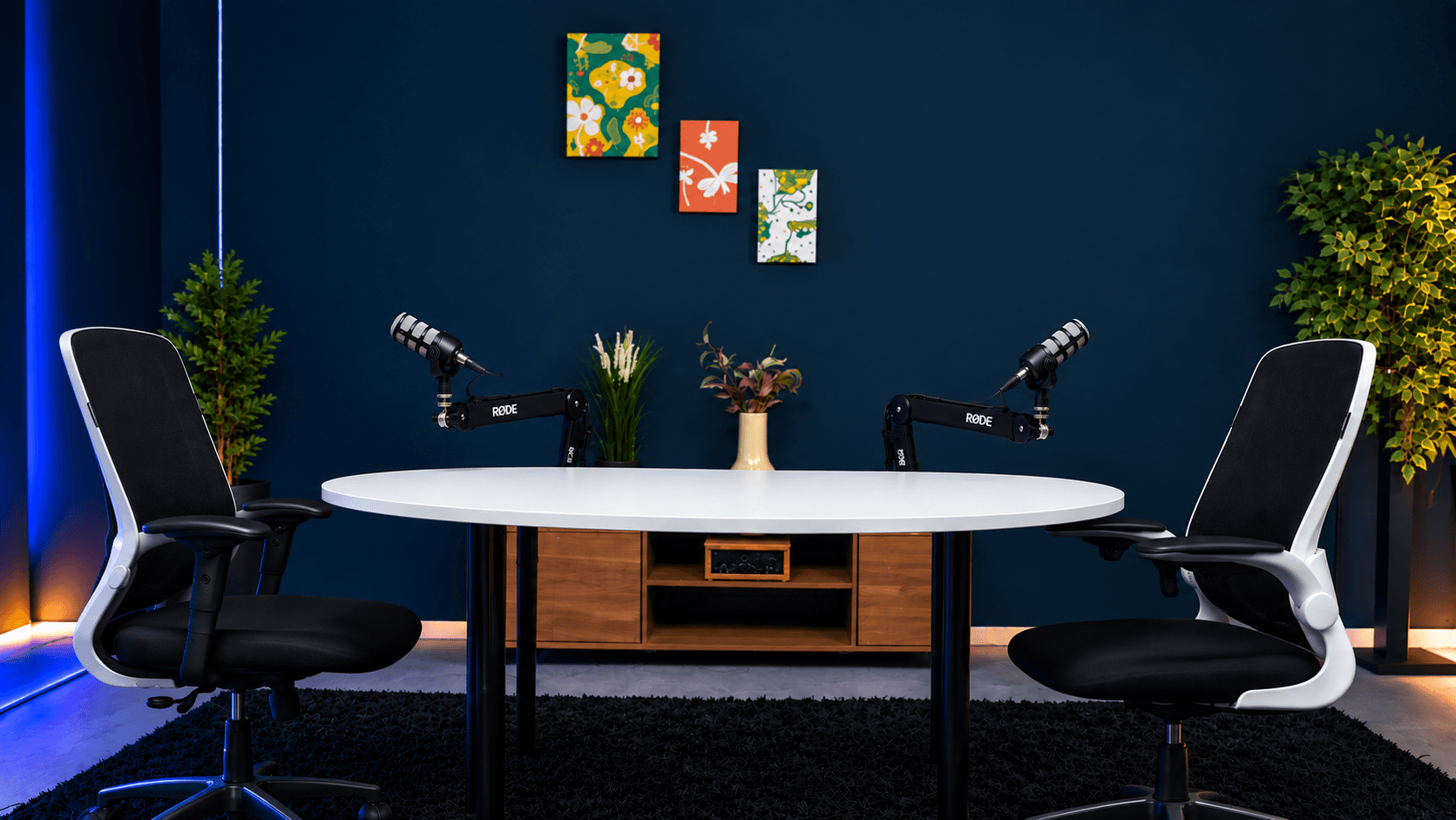
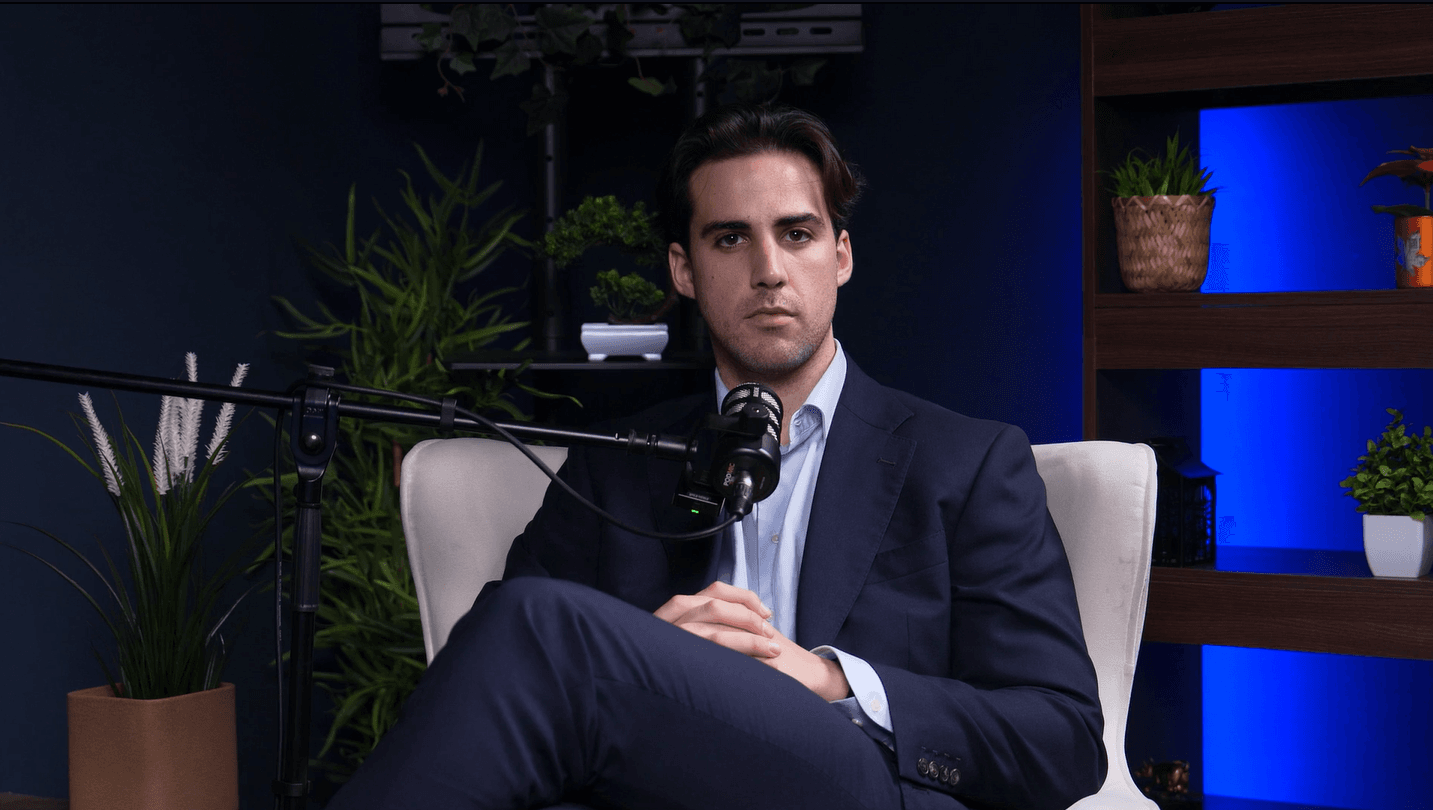
A wide shot gives viewers a sense of the recording environment. It can include both speakers, their microphones, the table and part of the studio background.
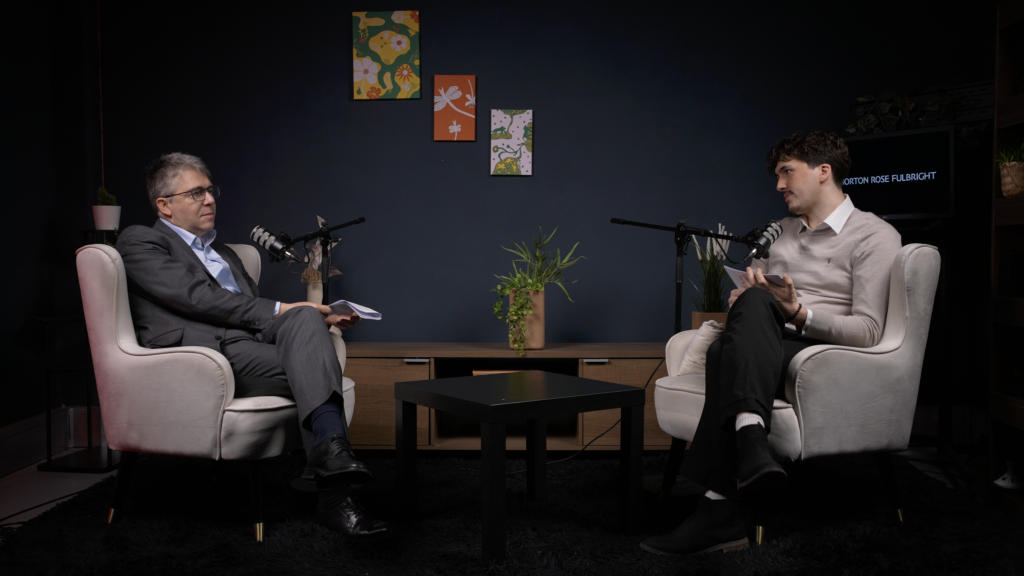
We find wide shots useful when introducing an interview, showing an exchange between participants or creating a natural transition between closer views.
A wide shot also helps establish where everyone is sitting. This is particularly important when recording longer business interviews because viewers can see the relationship between the participants.
However, a wide shot should not be the only perspective used throughout a long interview. Combining wide shots with individual speaker views creates more opportunities to follow the discussion.
How We Position Cameras for Better Podcast Framing
Selecting a camera angle is only one part of the process. Where we position the camera and how we frame the speaker can change the entire appearance of a recording.
We pay attention to camera height, headroom, looking room, and the relationship between the camera and speaker.
Camera Height and Eye Level
For most conversational podcasts, positioning the camera around the speaker’s eye level creates a natural perspective.
A camera positioned too low can make the viewer look upwards at the speaker, while a camera positioned too high can create the opposite effect.
We generally favour a natural eye-level perspective for business interviews because it helps the audience feel involved in the conversation.
Headroom and Looking Room
Headroom is the space between the top of a person’s head and the top of the video frame.
Too much headroom can make the speaker appear poorly positioned, while too little can make the frame feel cramped.
Looking room is the space left in front of someone who is looking towards another person outside the frame.
For example, when a guest looks towards the host, leaving appropriate space in that direction helps the composition feel balanced.
These details are small, but they make a noticeable difference to interview footage.
Understanding the 180-Degree Rule
One cinematography principle we consider when planning interviews is the 180-degree rule.
Imagine an invisible line running between the host and guest. Cameras are generally positioned on the same side of this line to maintain consistent screen direction.
If cameras cross to the opposite side without a planned transition, the host and guest can appear to switch positions on screen.
This can make the conversation confusing to follow.
Maintaining consistent camera positioning helps viewers understand where each person is sitting and whom they are addressing.
How Many Cameras Do You Need for a Professional Video Podcast?
The number of cameras depends on the recording format and the coverage you want.
We believe it is more useful to think about what each camera needs to capture than to assume that more cameras automatically produce better results.
| Camera setup | Suitable for | Main consideration |
|---|---|---|
| One camera | Solo podcasts | Simple recording with limited visual variety |
| Two cameras | Solo and interview formats | Additional perspective for editing |
| Three cameras | Two-person interviews | Dedicated speaker coverage and a wide view |
For a two-person business interview, a useful three-camera arrangement includes:
- Camera 1: Dedicated to the host.
- Camera 2: Dedicated to the guest.
- Camera 3: A wider view showing both participants.
At NextMedia London, our standard recording setup includes two cameras. We also offer a third-camera upgrade for sessions that need a dedicated wide-angle or master shot.
This gives clients the option to choose the coverage that suits their recording rather than paying for equipment they may not need.
A third camera is particularly useful when we want to maintain individual speaker coverage while also having a continuous view of the entire conversation.
How We Coordinate Camera Angles with Audio and Lighting
A video podcast needs to work both visually and acoustically.
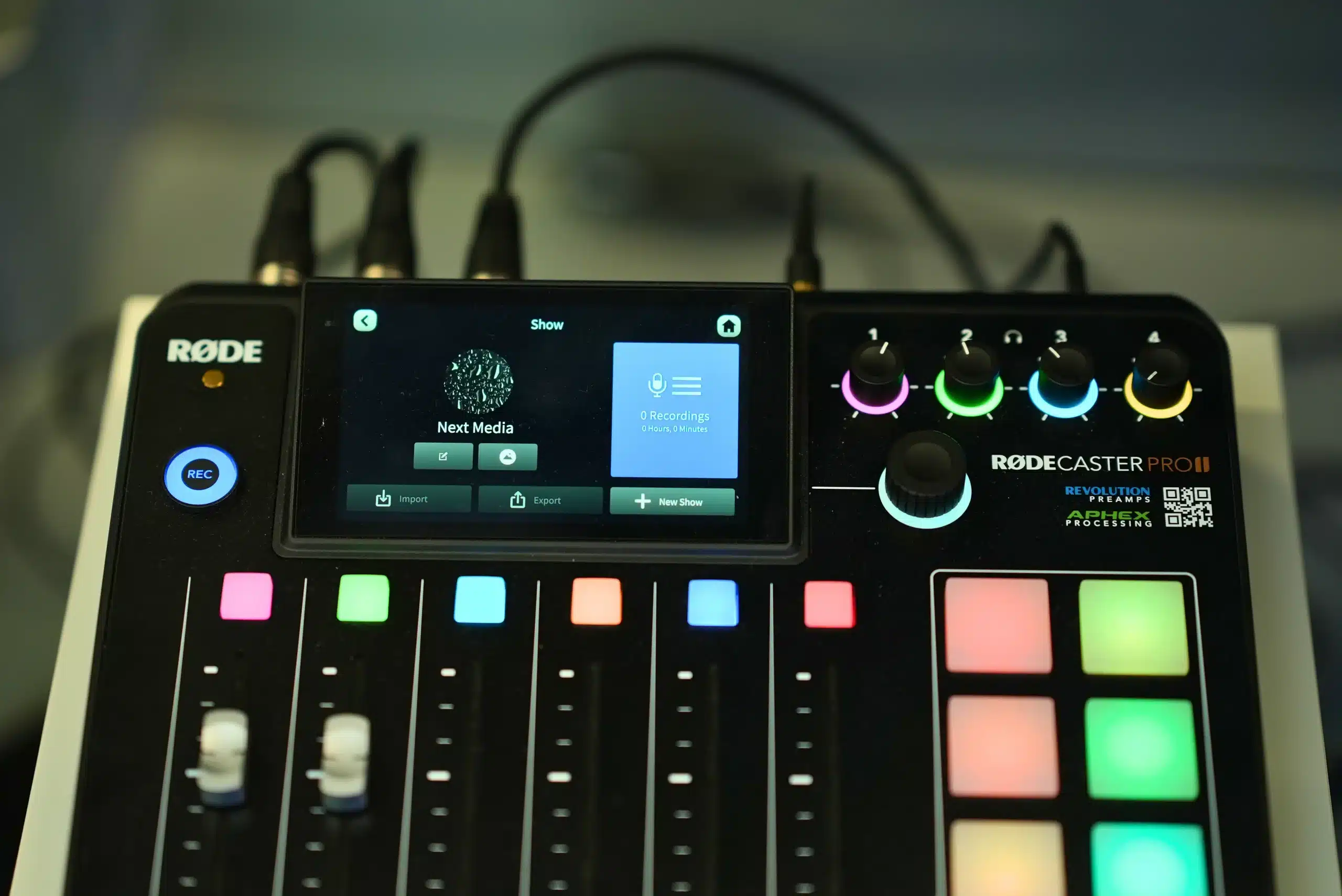
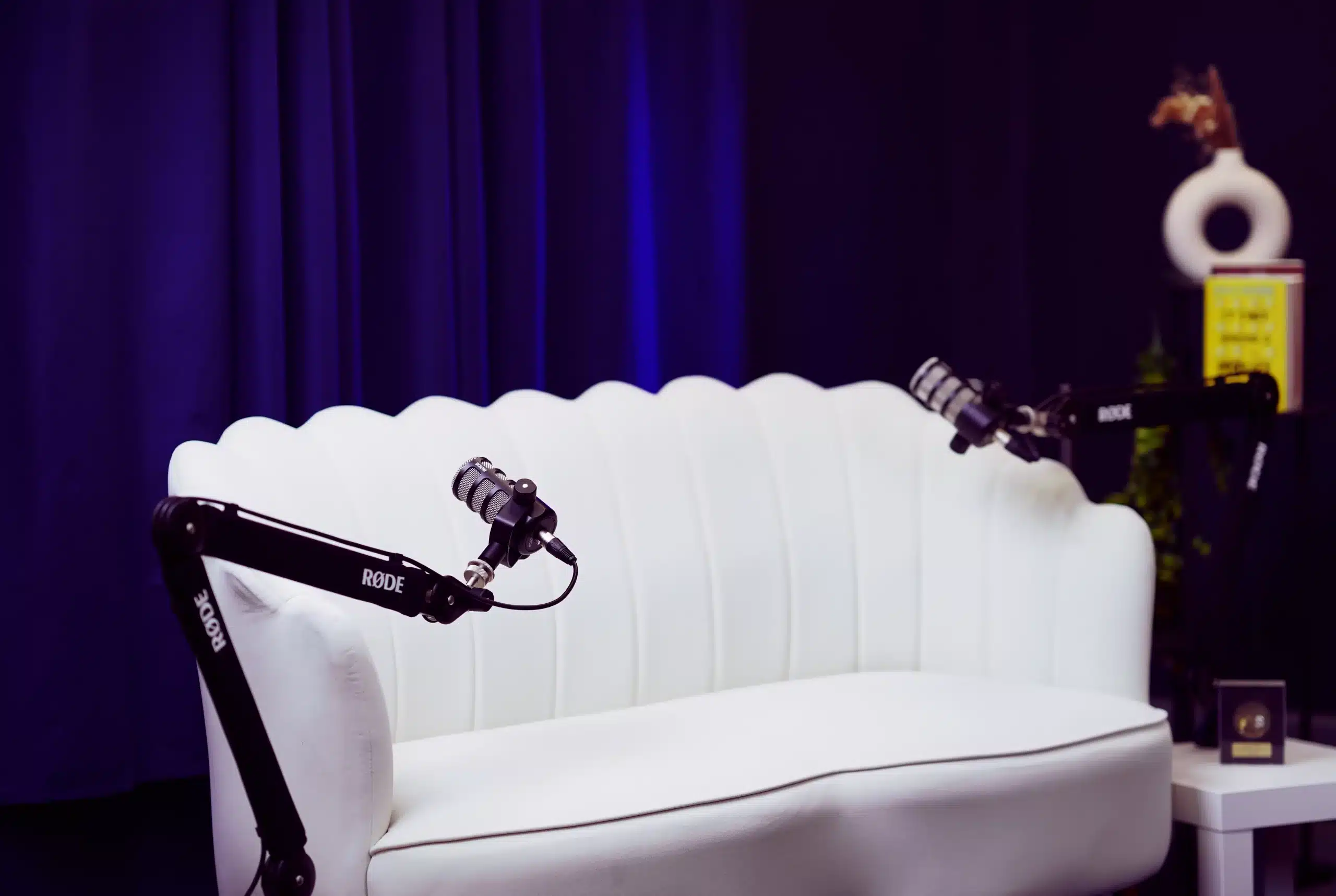
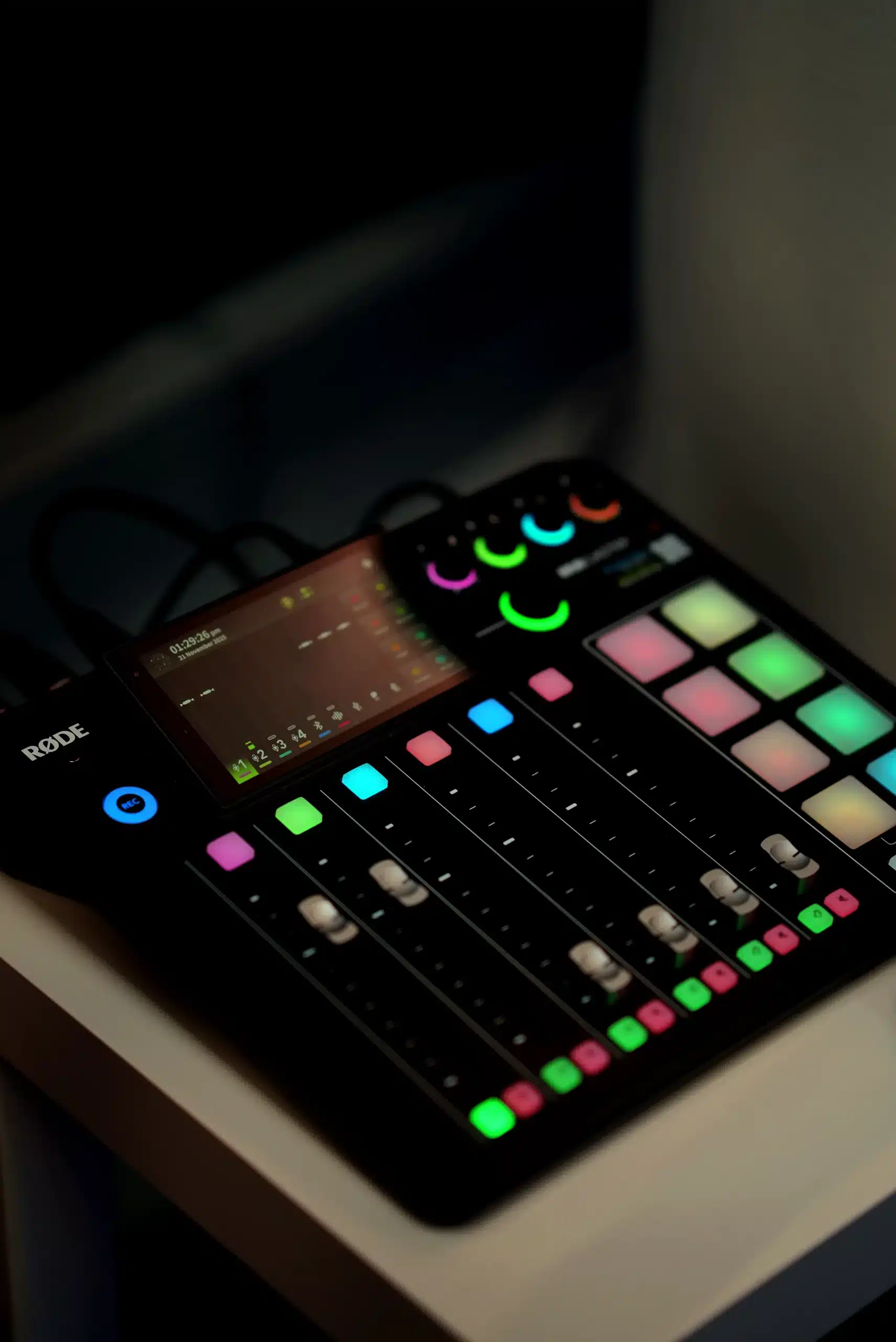
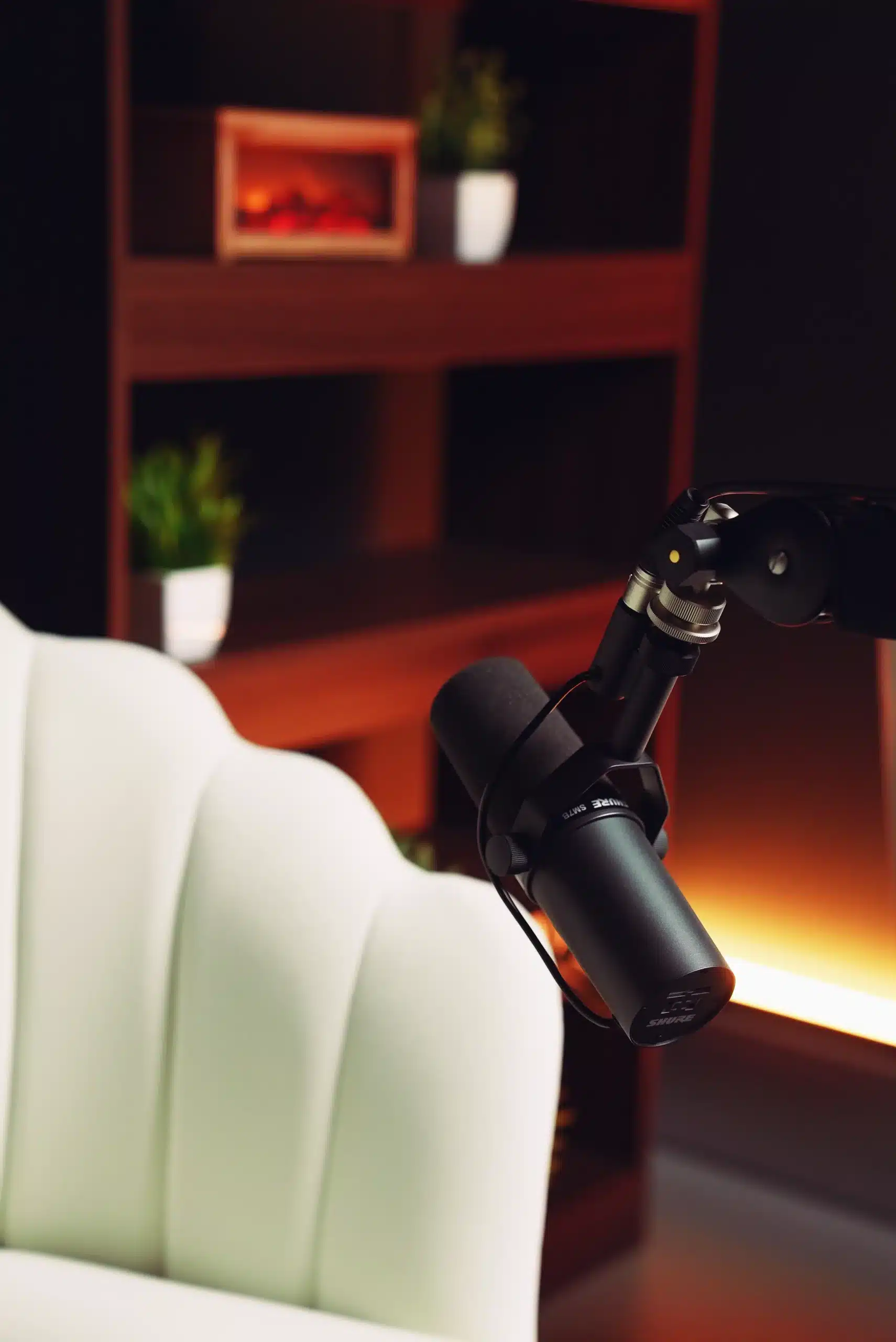
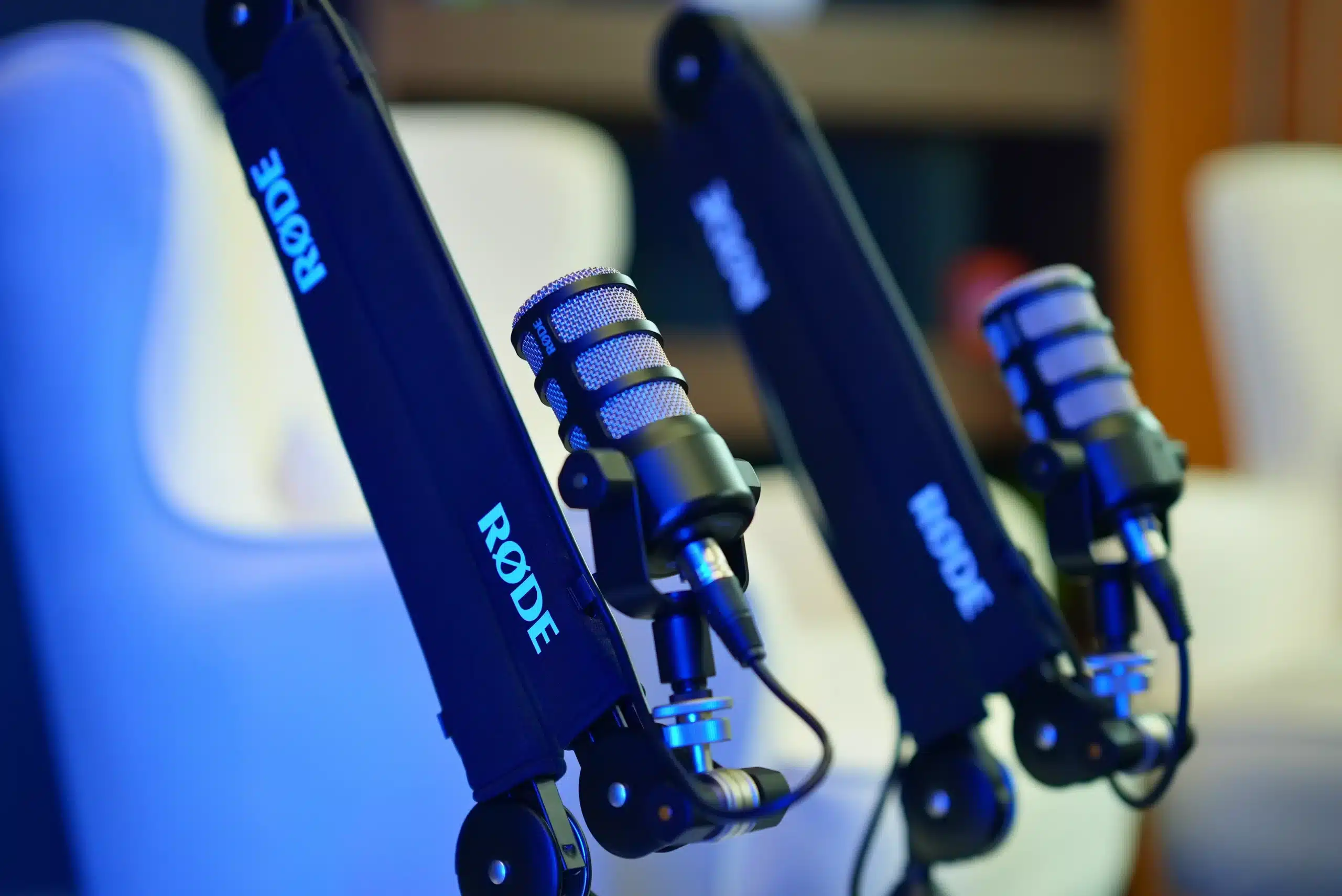
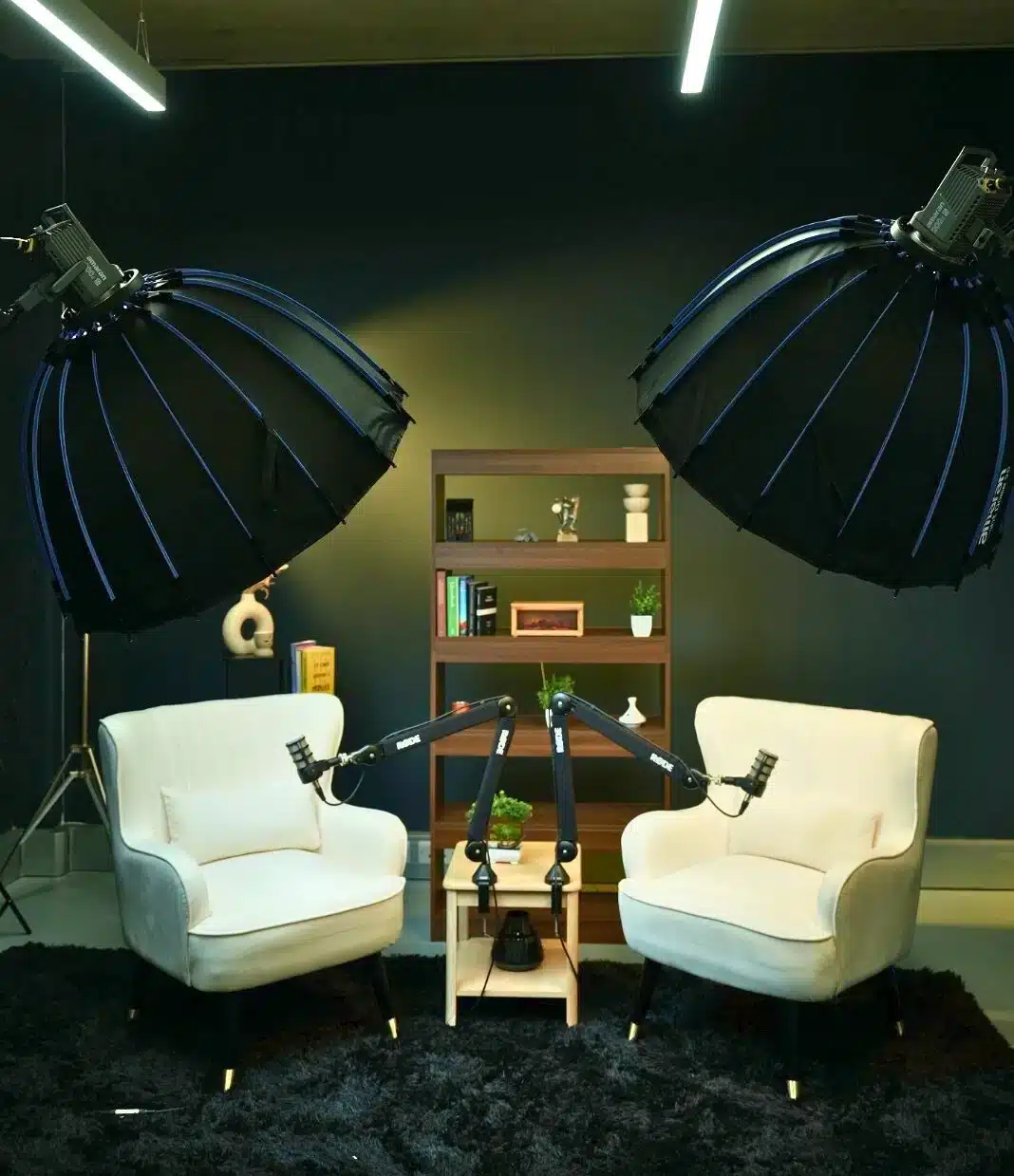
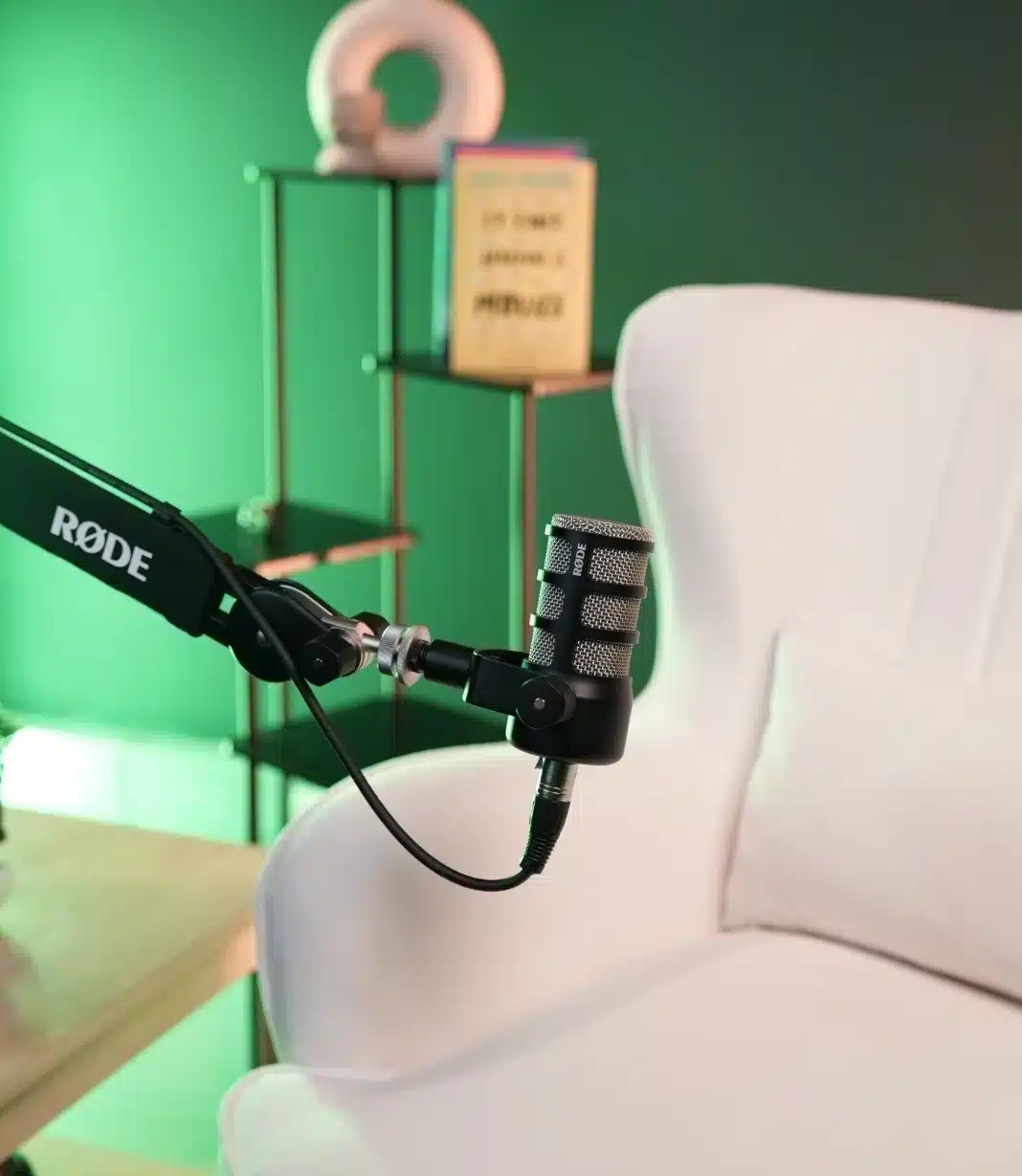
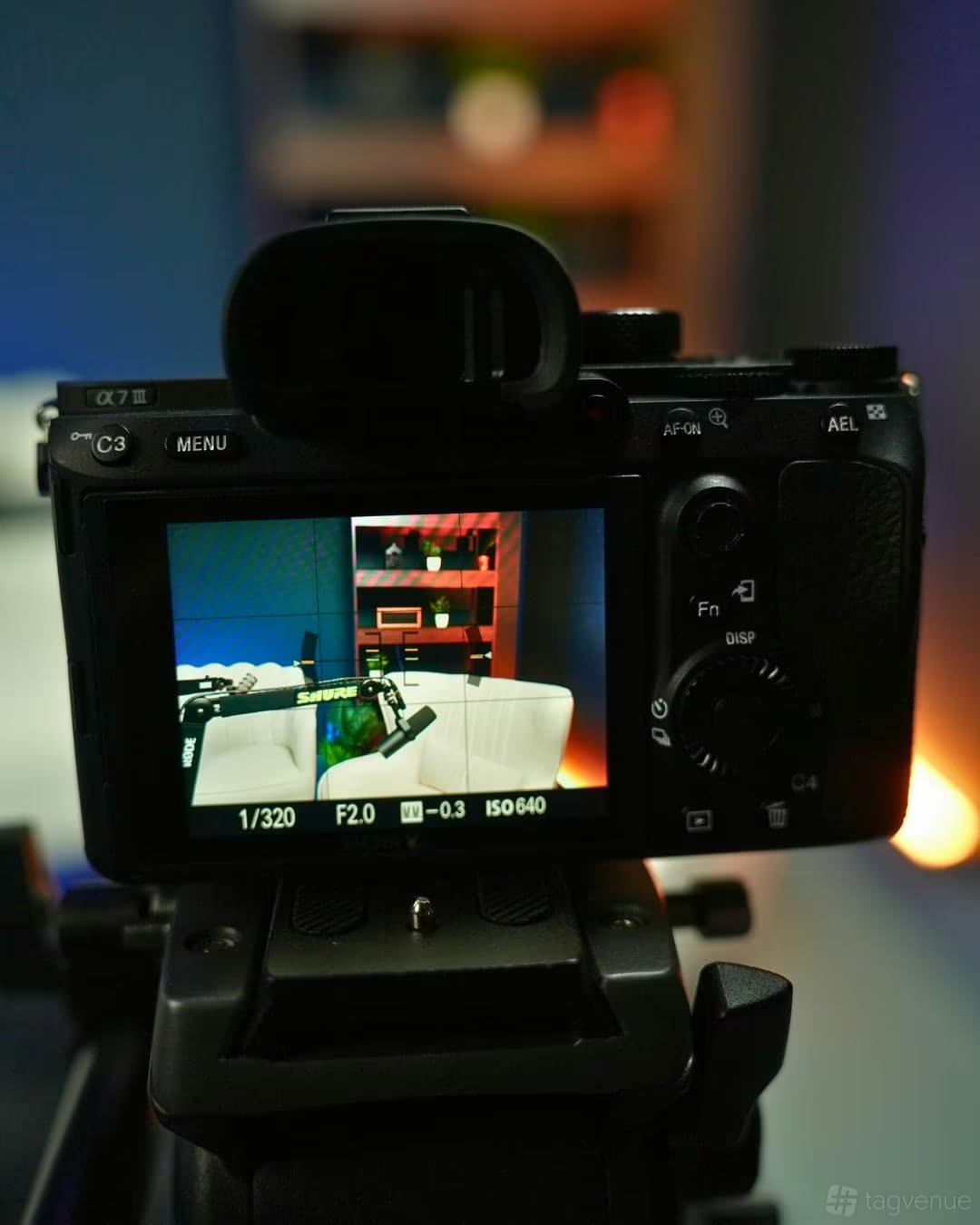
At NextMedia London, our recording setup includes Sony FX3 cameras, Rode PodMic and Shure SM7B microphones, and a RØDECaster Pro II audio mixer.
We consider microphone placement alongside camera framing because both affect the final recording.
For example, a microphone positioned too far from the speaker may capture more surrounding room noise. Moving it closer can improve voice capture, but its position still needs to work within the camera frame.
Lighting also needs attention. A composition that looks balanced from one camera may create unwanted shadows or uneven exposure from another.
We check how the speaker appears across the available camera views so that the final footage looks consistent.
For us, good production means making the technical setup work around the conversation, rather than making the speakers work around the equipment.
Common Podcast Camera Angle Mistakes We Try to Avoid
Even good recording equipment cannot compensate for poor composition. We pay attention to several common issues because they can affect how comfortable and professional a video podcast looks.
Incorrect camera height: A camera positioned too high or too low can create an unnatural perspective.
Microphone blocking the speaker: Poor microphone positioning can obstruct facial expressions and make the composition distracting.
Inconsistent host and guest framing: If one speaker appears much larger or smaller than the other without a deliberate creative reason, switching between shots can feel uncomfortable.
Distracting backgrounds: Objects, unnecessary movement and visual clutter can pull attention away from the conversation.
Poorly matched camera angles: Different cameras should provide complementary views. If their positioning and visual composition are inconsistent, the final edit can feel disconnected.
Ignoring vertical cropping: A composition designed only for horizontal video may not work when adapted for social media.
We prefer to identify these problems before recording rather than relying on editing to correct everything afterwards.
How We Use Different Camera Angles During Editing
Recording multiple camera angles is only valuable when the footage is used thoughtfully.
We approach editing by following the conversation rather than switching views simply to make the video look busy.
Consider a typical business interview:
- The host asks a question. We can use the host’s shot to establish the question.
- The guest begins answering. Their close-up becomes the natural perspective.
- The host reacts or listens. That reaction may provide another useful moment.
- A wide shot brings both participants back into the conversation.
Multiple camera views also give editors alternative footage when removing pauses, repeated sentences or small interruptions.
Before switching between angles, the recordings need to be synchronised so that the video and audio remain aligned. Camera consistency, including colour and exposure, also helps the finished episode feel like one continuous production.
We believe the best editing is not the editing viewers notice. It is the editing that helps them concentrate on the conversation.
Planning Podcast Camera Angles for Social Media Content
A full-length podcast can provide material for much more than one published episode.
For founders and businesses, a useful recording may also produce shorter videos for YouTube Shorts, Instagram Reels and LinkedIn.
However, we think about this before recording rather than leaving everything to the editing stage.
Horizontal video is commonly produced in a 16:9 format, while vertical video uses a 9:16 format.
The challenge is that a wide horizontal composition does not always translate well into a vertical frame.
For example, a shot showing both a host and guest may become difficult to crop when the content needs to focus on just one speaker.
This is why we consider keeping important subjects within a usable frame area, capturing close-up views that can work independently and planning the intended social media crop.
Our aim is to make a recording useful beyond the original episode, while keeping the conversation natural.
Choosing a Professional Podcast Studio in London
Choosing a podcast studio is not simply about finding a room with cameras and microphones.
We believe businesses should consider the complete production environment.
A suitable studio should offer professional audio equipment, appropriate camera coverage, lighting, technical support and a comfortable space for conversations.
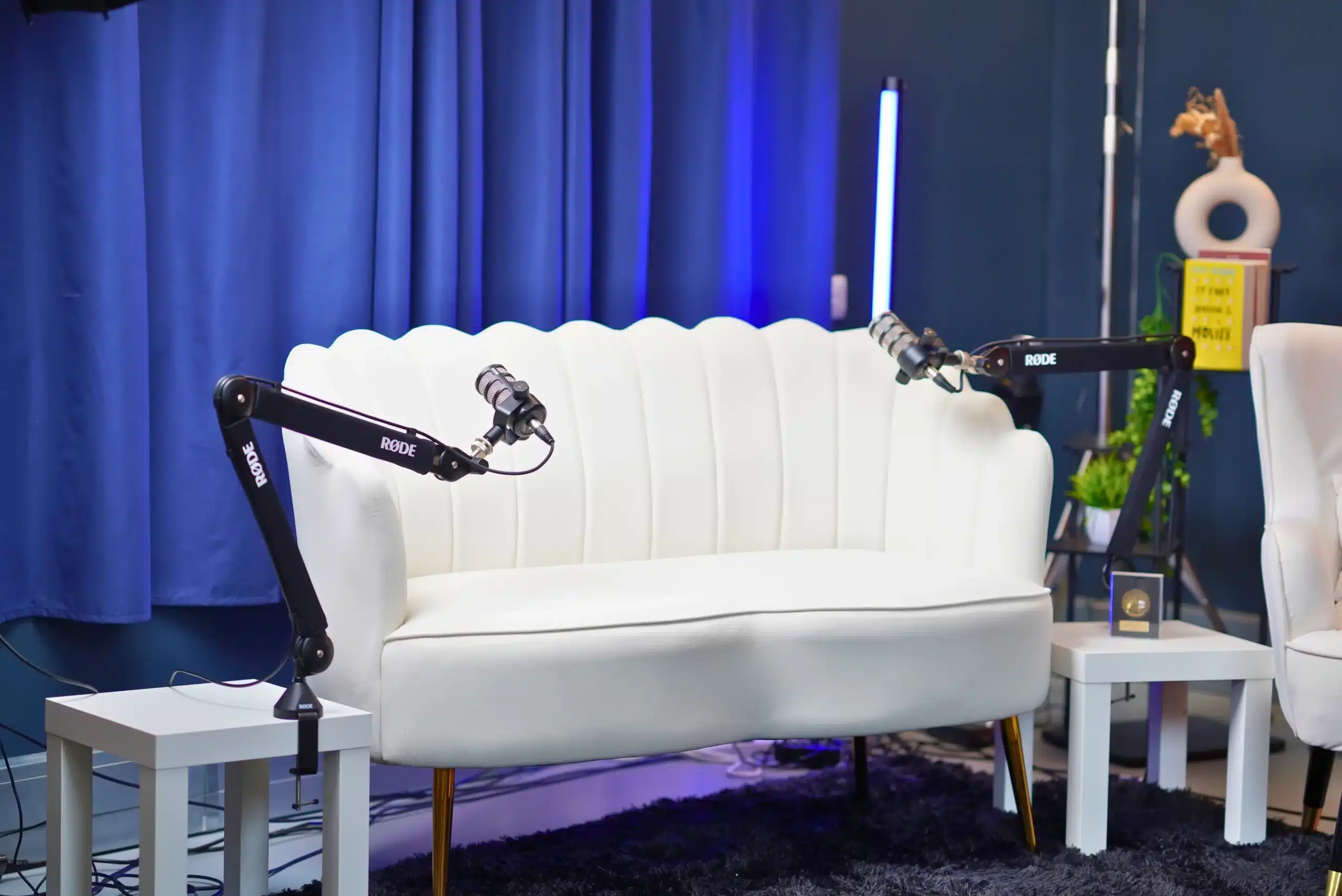
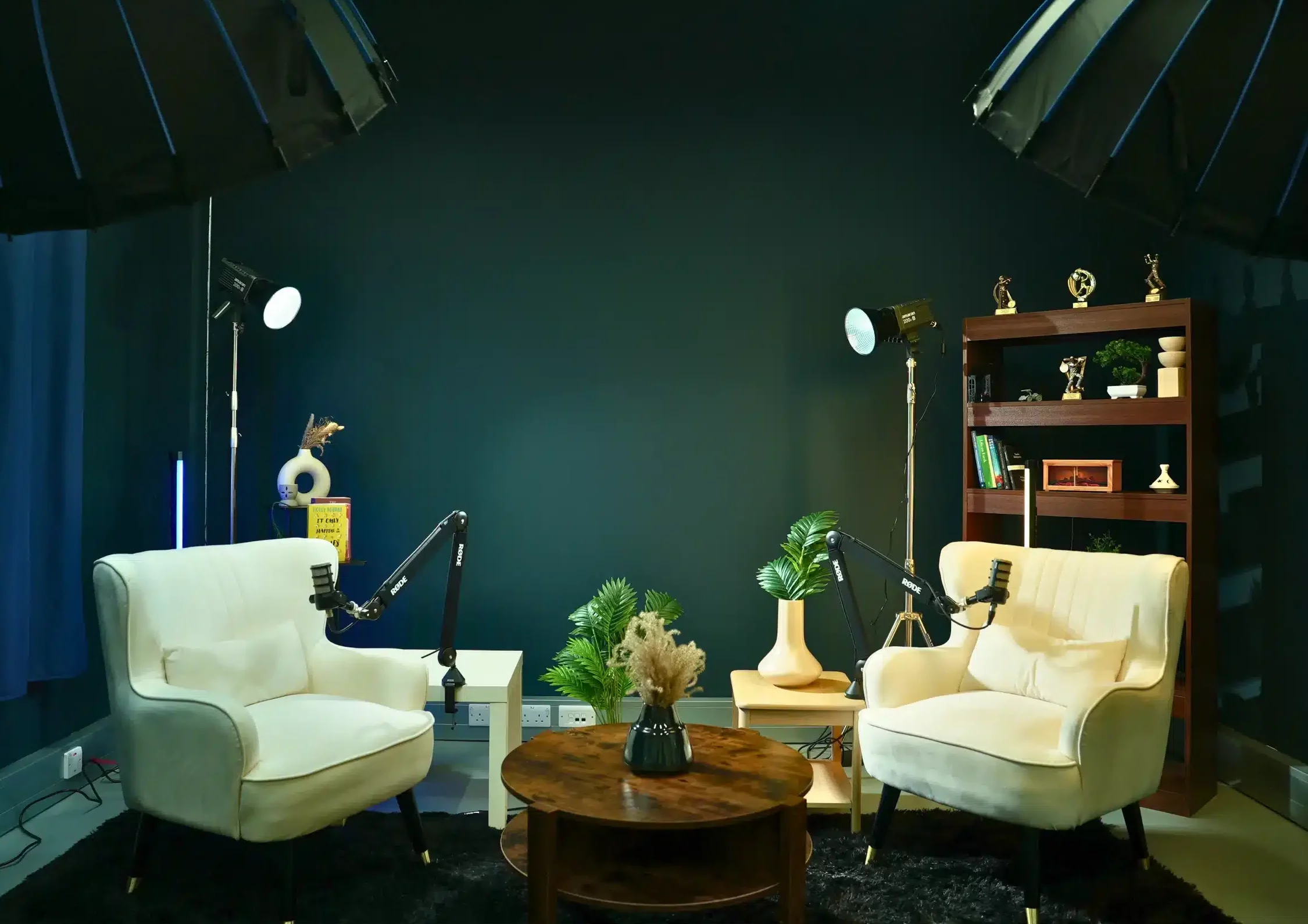
At NextMedia London, our podcast studio is based in Bermondsey, SE16, close to London Bridge. We provide a recording environment for founders, experts and businesses looking to create professional audio and video content.
Our setup combines Sony FX3 cameras, Rode PodMic and Shure SM7B microphones, and a RØDECaster Pro II audio mixer.
We also provide an on-site engineer to manage the technical recording process, allowing hosts and guests to concentrate on their conversation.
For anyone comparing podcast studios in London, we recommend looking at the actual recording setup, the available technical support and whether the studio can accommodate the type of content you want to produce.
You can learn more about our podcast studio hire in London.
Frequently Asked Questions
What are the best camera angles for a two-person podcast?
A two-person podcast benefits from individual host and guest close-ups alongside a wide shot showing both speakers. This gives editors different perspectives for following the conversation. A two-camera setup can provide useful coverage, while a third camera adds a dedicated wide view.
Is one camera enough for a video podcast?
Yes. One camera can work well for solo podcasts, presentations and straightforward recordings. Multiple cameras become more useful when you need individual speaker coverage and greater editing flexibility.
What is the best camera height for podcast recording?
For most conversational recordings, eye-level positioning creates a natural perspective. The exact height depends on the speaker’s seating position and framing requirements.
Why do podcast studios use multiple cameras?
Multiple cameras capture different parts of a conversation, including individual speakers, reactions, and wider interactions. This gives editors more flexibility when producing the final video.
What is the difference between a camera angle and a camera shot?
A camera angle describes the perspective from which a subject is filmed, such as front-facing or side-angle. A camera shot describes how much of the subject appears in the frame, such as a close-up, medium shot or wide shot.
Can podcast camera angles improve social media clips?
Yes. Close-up and medium shots can help keep a speaker’s face and message in focus. Planning the composition for vertical cropping also makes it easier to adapt horizontal recordings for short-form platforms.
What equipment does NextMedia London use for podcast recording?
Our studio uses Sony FX3 cameras, Rode PodMic and Shure SM7B microphones, a RØDECaster Pro II audio mixer and professional lighting. Our standard recording setup includes two cameras, with a third camera available as an optional upgrade.
Conclusion
A professional video podcast is built through a series of thoughtful production decisions. The camera angles, speaker positioning, microphone placement and editing approach all influence how the audience experiences a conversation.
At NextMedia London, we look at these elements as parts of the same production process.
We want the host to look natural, the guest to feel comfortable, and the conversation to remain the centre of attention. Whether we are recording a solo podcast or a business interview, our approach is to capture the moments that make the discussion worth watching.
Because a good podcast is not just about what people say. It is also about how we bring those conversations to life on screen.